How does an eSIM work on iPhone and Android — and where do they differ? This guide breaks down activation, switching, and compatibility for both platforms.
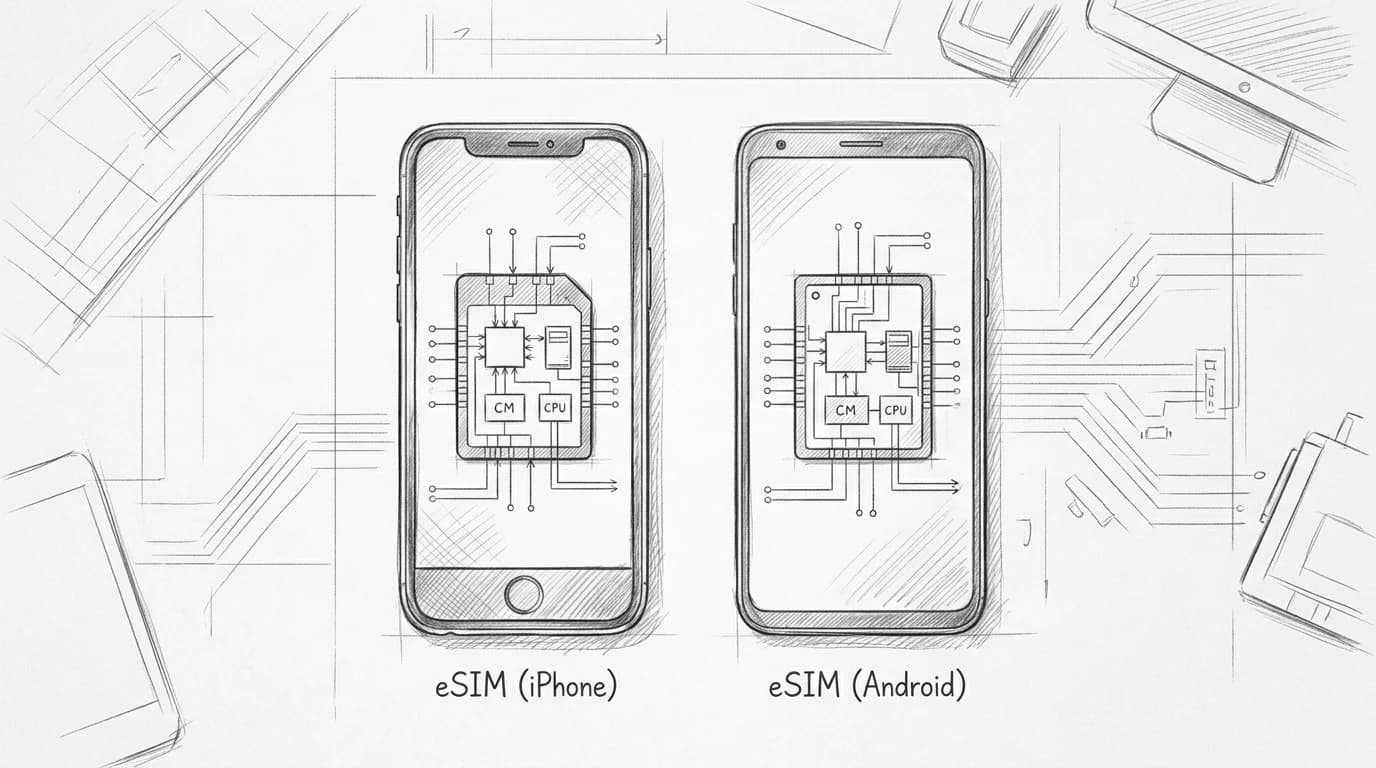
Every eSIM — in a Samsung Galaxy, a Pixel, a iPhone 15 Pro, or an iPhone SE — runs on the same GSMA-standardized embedded chip, governed by the same SGP.22 specification (GSMA eSIM specification SGP.22 overview). The silicon is interchangeable. The software wrapped around it is not.
Apple controls the entire activation stack: one UI, one flow, consistent across every supported iPhone model. Android splits across Google, Samsung, and a dozen other OEMs, each layering its own settings menu on top of the same underlying standard. A Pixel 8 activates via Google's UI; a Galaxy S24 uses Samsung's; a OnePlus routes you somewhere else entirely. The chip doesn't care. You will.
That gap — identical hardware, divergent software — is exactly why your device type matters before you buy a plan. Understanding what a SIM actually is at the hardware level makes the install steps on either platform easier to follow. The next sections walk each path in full.
How eSIM actually works — the 30-second version
Your phone has always had a SIM slot because carriers needed a removable credential — a tiny plastic card that proved you'd paid. An eSIM replaces that card with a chip soldered directly to the motherboard, loaded with a downloadable profile instead of a physical key.
The spec behind it is GSMA's SGP.22 standard, which defines how a Subscription Manager routes an encrypted profile to your device over LTE or Wi-Fi (GSMA eSIM specification SGP.22 overview). Activation takes under two minutes: you scan a QR code or tap a link, the Subscription Manager pushes the carrier profile, and your device registers on the network. Nothing ships. Nothing slots in.
Profile switching is where behavior diverges from a physical SIM. Most devices store multiple profiles simultaneously — typically 8 to 20 depending on hardware — but only one or two run active at a time. Swapping is a software toggle, not a trip to a phone shop. That distinction matters most at an airport, where you want data the moment wheels touch down. The what is an eSIM guide covers the concept; this article is about what your specific device actually does with it.
iPhone eSIM: QR code, carrier activation, and the dual-SIM setup
QR code activation is the fastest path — point your iPhone camera at the code, tap "Add Data Plan," and iOS handles the rest in under two minutes. Carrier activation (where the plan loads automatically via your order confirmation) skips the QR entirely; you'll see a notification in Settings > Cellular. Manual code entry exists for edge cases where the QR won't scan, buried under Settings > Cellular > Add eSIM > Enter Details Manually.
Dual-SIM behavior is worth understanding before you land. iOS runs two active lines simultaneously — your home number stays on the physical SIM while your travel data rides the eSIM — and you designate which line handles data, calls, and iMessage separately (Apple Support — Use Dual SIM with an eSIM on iPhone). iPhone 14 and later sold in the US have no physical tray at all, so the eSIM slot *is* your only SIM.
Practical rule: Before you leave home, go to Settings > Cellular and confirm your travel eSIM is set as the Default Data Line. Flipping it at the departure gate costs you roaming minutes on your home plan.
For the full iOS walkthrough, the iPhone eSIM activation guide covers every carrier variation.
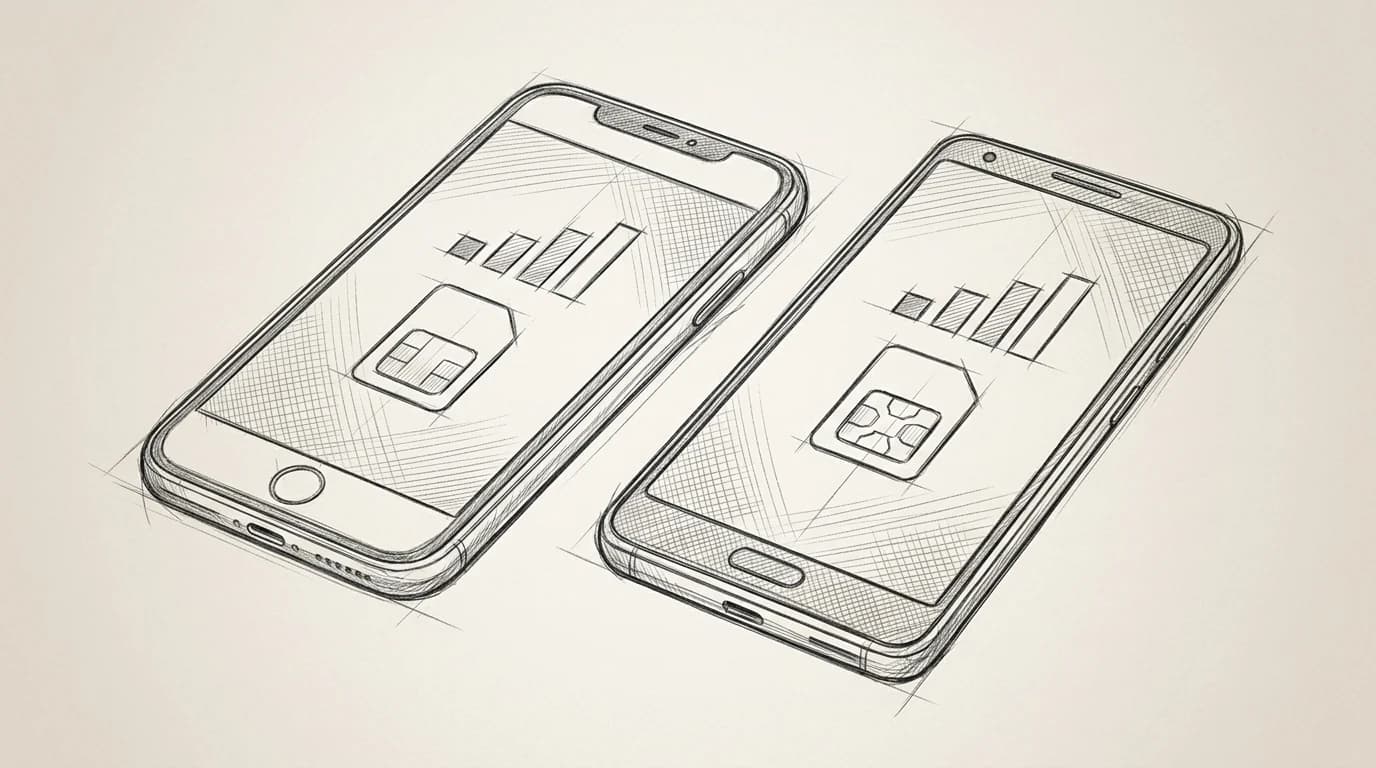
iPhone vs Android eSIM: What Changes
| Factor | iPhone | Android |
|---|---|---|
| Setup path | Settings → Cellular → Add eSIM | Settings → Network → SIMs (varies by brand) |
| QR scan required | (most devices) | |
| Carrier unlock needed | (if locked) | (if locked) |
| Dual-SIM support | (nano + eSIM or eSIM + eSIM) | (varies by model) |
| Profile storage limit | Up to 8 eSIMs stored | Varies — often 1–3 profiles |
Practical rule: If you're buying a plan before departure, activate the QR code the moment you land — not at home. Installing the profile at home is fine, but switching it to active before you hit customs means you clear immigration already on local data, not a $15/day roaming session.
Android eSIM: fragmented by brand, consistent in principle
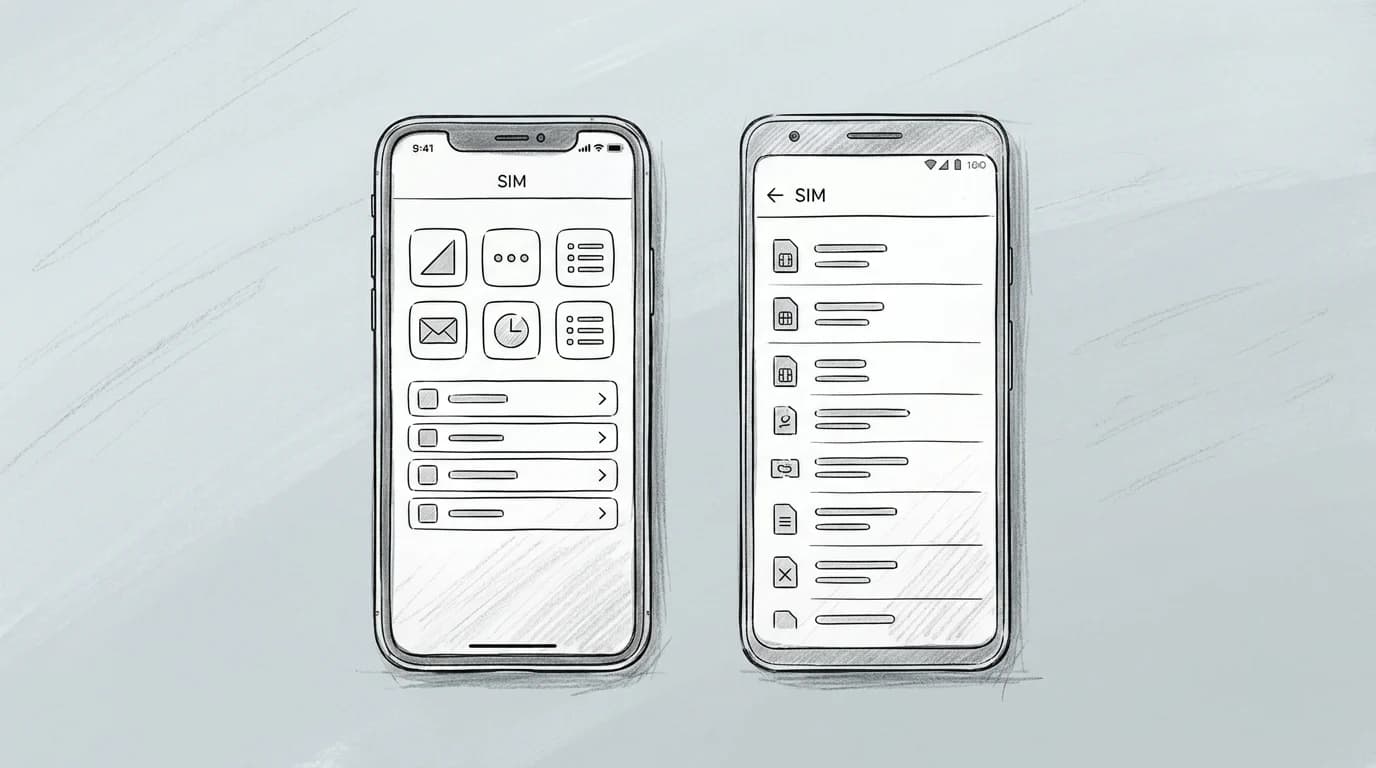
Samsung buries the eSIM menu three taps deep — Settings > Connections > SIM manager — while a Google Pixel puts it at Settings > Network & internet > SIMs, and OnePlus routes you through Settings > Wi-Fi & Network > SIM & network. Same underlying process, three different maps to it. Android added a native eSIM manager API in Android 9 (Pie), but manufacturers weren't required to surface it uniformly (Android Developer documentation — eSIM overview), which is why the path still diverges in 2025.
Hardware is the sharper trap. A Samsung Galaxy A-series phone may carry the Galaxy branding without an embedded SIM chip — the eSIM slot only appears reliably on the S-series and foldables; budget lines often ship physical-SIM-only even in markets that support eSIM (Android Developer documentation — eSIM overview). Check your exact model number, not just the family name, before you buy a plan.
Practical rule: Before purchasing, dial \*#06# on your Android device. If an EID number appears alongside the IMEI, your hardware supports eSIM. No EID means no eSIM, regardless of what the box says.
For step-by-step installation paths by brand, the manual installation guide covers Samsung, Pixel, and OnePlus in sequence.
Before you activate on either device
- Confirm your device is carrier-unlocked
- Download the eSIM profile on home Wi-Fi
- Have the QR code open or screenshot saved
- Keep your physical SIM in until landing
- Toggle the eSIM on only after you arrive
Practical rule: Before buying any eSIM for an Android phone, verify the exact model number, not just the brand name. A Samsung Galaxy A54 ships without eSIM hardware; the Galaxy S23 does. Same shelf, same store, completely different result.
Key differences that actually affect your trip
Four gaps matter when you're mid-trip and something stops working.
Profile storage. iOS holds up to eight stored eSIM profiles; most Android OEMs cap at five, and some budget Qualcomm-based handsets cap at three (Apple Support — Use Dual SIM with an eSIM on iPhone). You'll hit the ceiling faster than you expect if you travel frequently without deleting old plans.
Voice + data vs. data-only. Apple's dual-SIM setup lets a travel eSIM run data while your physical SIM keeps your home number active for calls and texts. Many Android builds support the same split, but a handful of OEMs — certain Xiaomi and Oppo models — require you to set one profile as default for everything, forcing a manual toggle each time.
Switching plans mid-trip. On iPhone, swapping the active eSIM takes three taps in Settings > Cellular. On Android the path varies: Pixel users find it under Network & internet > SIMs, while Samsung buries it inside Connections > SIM manager.
Expired plans. Both platforms keep the profile installed after expiry. The data stops; the profile doesn't vanish. If you hit a no-connection error after your validity window closes, the connection troubleshooting guide walks through re-enabling versus purchasing a new plan.
| iPhone | Android | |
|---|---|---|
| Max stored profiles | 8 | 3–5 (OEM-dependent) |
| Voice + data split | natively | with exceptions |
| Plan-switch path | Settings > Cellular | Varies by brand |
| Expired profile behavior | Stays installed, data off | Stays installed, data off |
Get connected before you leave
Activation takes under 5 minutes on either platform — scan a QR code on iPhone, tap through a download prompt on Android, and your plan is live before the boarding door closes. The package facts above are specific to St. Eustatius and Saba, but Roamfly's catalog covers destinations far beyond the Caribbean: 20 GB for 15 days at $175.50 is the local rate for that territory, while a 30-day stretch runs $188.50 — useful context for how pricing scales with validity.
Pick your destination, choose a plan that matches your trip length, and install it at home so your phone switches automatically the moment you land. No airport kiosk. No SIM swap over a bin in arrivals.
If you travel frequently for work, Roamfly's guide to eSIM for business travelers breaks down multi-country setups, expense-friendly plan structures, and which Android brands handle corporate profiles cleanest.
Ready to get connected? Browse Roamfly's full eSIM catalog and activate in under 5 minutes.
Frequently asked questions
Does every iPhone and Android phone support eSIM?
No. On iPhone, eSIM starts with the XR (2018); iPhone 15 and later in the US are physical-SIM-free entirely. On Android, support is brand-specific — Pixel 4 onward, Samsung Galaxy S20 and later, and most Motorola Razr models include it. Budget Android devices below roughly $300 often omit the chip entirely. Check Settings → About Phone → SIM Status to confirm.
Can I use an eSIM and a physical SIM at the same time on the same phone?
Yes, on any dual-SIM device. iPhone lets you assign one line to Voice and SMS and the other to Cellular Data — your home number stays reachable while the travel eSIM carries all data traffic. Android handles this the same way under Settings → SIM Card Manager, though the exact menu label varies by manufacturer.
How many eSIM profiles can I store on an iPhone versus an Android phone?
iPhone 13 and later stores up to 8 eSIM profiles, though only 2 can be active simultaneously. Google Pixel 7 and later also supports multiple inactive profiles — typically 4 to 8 depending on firmware. Samsung Galaxy S24 caps stored profiles at 5. Inactive profiles stay dormant and can be re-enabled without a new QR scan, which matters when you revisit a country.
Why doesn't my Android phone show an eSIM option in Settings?
Three causes cover most cases: the device SKU lacks an eSIM chip (common on carrier-locked budget phones sold in Southeast Asia and parts of Latin America), the carrier lock blocks secondary profile installation, or the Android firmware is below the version where the manufacturer enabled the feature. A confirmed eSIM-capable model running Android 9 or later should show the option under Settings → Network & Internet → SIMs.
What happens to an eSIM profile if I factory reset my phone?
On iPhone, a factory reset deletes all stored eSIM profiles — they cannot be recovered from the device itself. On most Android phones, the behavior mirrors iPhone: profiles are wiped. Some Samsung devices running One UI 5+ offer a backup prompt before reset (Apple Support — Erase iPhone). If you're resetting before a trip, download your Roamfly QR code to a secondary device or screenshot it first so you can reinstall the profile immediately.