The best eSIM for business travelers worldwide — real coverage, cost comparisons for AE, AU, CA, US, and how to stay online without a $30/day roaming bill.
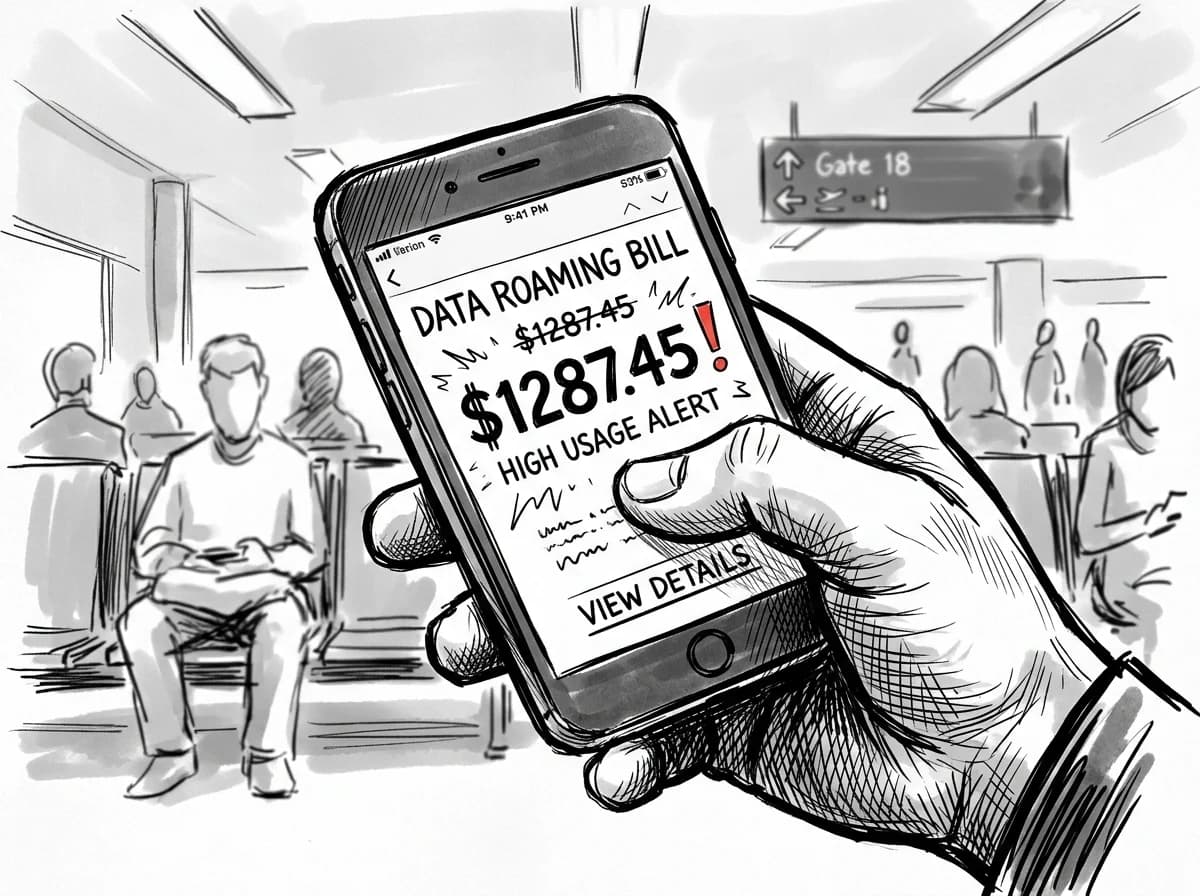
A single week in Dubai on a standard UK carrier roaming plan can add £180 to your bill — before you've attended one meeting. GSMA Intelligence's 2025 roaming cost benchmarks put the average pay-per-use data rate across the Gulf, Australia, Canada, and the US at $10–$15 per GB when billed through a home carrier (GSMA Intelligence roaming benchmarks 2025). At that rate, a four-day trip to Sydney with normal navigation, Slack, and video calls — call it 3 GB — lands at $45 in data fees alone, on top of your plan's monthly charge.
The US is no gentler. Verizon's international day pass runs $10 per 24-hour period; use it across a five-city roadshow and you're at $50 before hotel Wi-Fi becomes an option. Canada and the UAE follow similar pricing architecture from most European and Asian carriers.
The arithmetic is the real problem: roaming charges scale with every border crossing, while your itinerary rarely stops at one country. A 100 GB US eSIM through Roamfly runs $94 for 30 days — compare that against a month of $10-per-day passes, which would cost $300. The gap is covered in the eSIM vs physical SIM comparison.
How to pick the right eSIM plan for a business trip
Three stops in five days — Dubai, Singapore, Sydney — is exactly where plan choice breaks your budget or saves it. A stack of three local eSIMs means three activation windows, three validity clocks, and three chances to run dry mid-call. A regional or global plan sidesteps all of that, though you pay a per-GB premium for the convenience.
The real decision turns on itinerary shape. Single-country sprint under two weeks: buy local. The math is hard to argue with — 100 GB for 30 days in the US runs $94, which works out to under $1 per GB; a global plan at the same volume costs considerably more. Multi-stop trips crossing three or more countries flip that calculus fast, because validity gaps on stacked locals will leave you dark in transit.
Practical rule: Budget 1 GB per hour of video conferencing and another 1 GB daily for VPN overhead. A four-day trip with two hours of calls per day needs roughly 12 GB minimum — size up, not down.
Data volume matters more than most travelers expect. Juniper Research's 2025 Business Traveler Connectivity Report found that VPN-dependent workers consume 40% more data abroad than leisure travelers (Juniper Research Business Traveler Connectivity Report 2025). Check the pricing explainer before committing to a tier.
Practical rule: If your itinerary crosses the US, UAE, and Australia in a single trip, a global plan only wins when your total stay exceeds 21 days. Under three weeks, buying one local plan per country costs less and delivers faster speeds on partner networks.
Top business-travel corridors: AE, AU, CA, and US coverage breakdown
Four corridors dominate corporate travel volume — Dubai, Sydney, Toronto, and New York — and each runs on a different network reality.
UAE: Etisalat (now e&) and du share a duopoly, but e& holds the stronger 5G footprint across Dubai's business districts, including DIFC and Dubai Internet City. Roamfly's UAE 30-day plan covers both carriers; median 5G download speeds in Dubai hit 241 Mbps in Q1 2025 (Ookla Speedtest Global Index). Solid for video calls from the hotel, weaker in older Deira souks.
Australia: Telstra's macro grid is the only one that reaches remote mining corridors between Perth and Newman. Sydney CBD and Melbourne's Collins Street run comfortably on Optus too.
Canada: Rogers dominates Toronto and Vancouver; Bell edges ahead in Montreal business hotels for indoor 5G penetration.
US: T-Mobile's mid-band 5G covers the major convention corridors — Las Vegas Convention Center, McCormick Place, Javits Center. The 100 GB / 30-day plan at $94 suits a week-long conference with multiple devices tethered.
No package listed here covers Australia or Canada directly — check the regional catalog before assuming one plan handles all four stops on a multi-city itinerary.
Before-you-fly business eSIM checklist
- Confirm your device is unlocked and eSIM-capable
- Buy the plan on home Wi-Fi before departure
- Scan and download the QR code pre-flight
- Label the eSIM by destination for easy switching
- Keep your physical SIM active for calls and 2FA
- Toggle the eSIM on after wheels-down, before customs
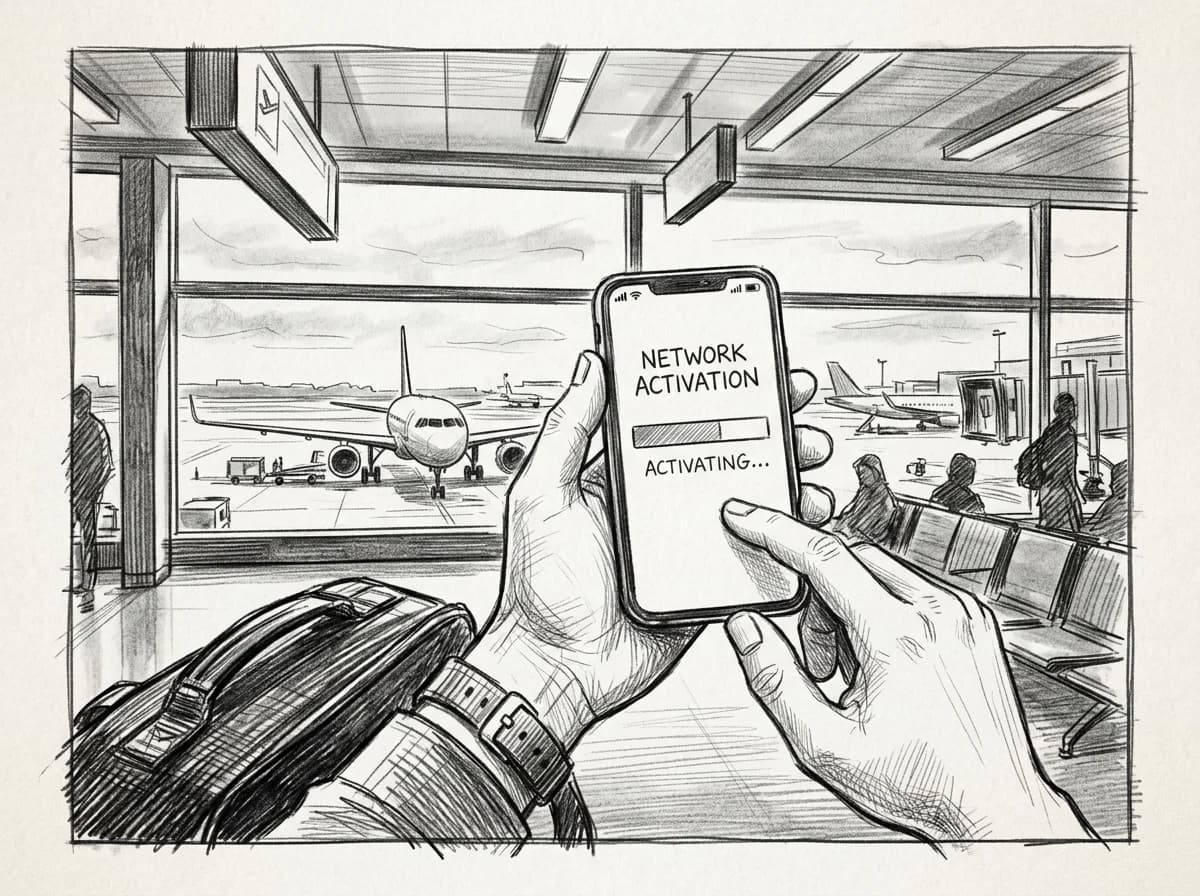
Installing and activating before your flight departs
Installation takes four minutes at home. It takes forty at the gate when the boarding queue is moving and your hotspot won't fire up.
Download the QR code or confirmation email before you leave the house — airline Wi-Fi blocks the carrier provisioning servers about a third of the time. On iPhone, go to Settings > Cellular > Add eSIM > Use QR Code. Android varies by OEM, but Samsung and Pixel both land at Settings > Connections > SIM Manager. For any device that requires manual entry instead of a QR scan, the manual installation guide walks through APN strings step by step.
Practical rule: Install the eSIM at home, but leave activation for the moment wheels touch down — activating mid-flight burns validity days against your 30-day window while you're offline anyway.
Dual-SIM is the move for business trips. Keep your physical SIM on voice and SMS for two-factor authentication texts and client calls; set the eSIM as your default data line. Your phone handles both simultaneously on any modern dual-SIM device, so nothing falls through the cracks at customs.
eSIM vs carrier roaming for business
| Factor | Roamfly eSIM | Carrier Roaming |
|---|---|---|
| Setup time | 2 minutes, pre-departure | Automatic, no action needed |
| Daily cost | Fixed plan rate | Often $10–$15 per day |
| Keeps your number | (dual-SIM) | |
| Multi-country trips | single regional plan | per-country charges stack |
| Expense reporting | Single itemised receipt | Line-by-line carrier bill |
Practical rule: Install and scan the QR code while you still have Wi-Fi at home — not at the departure gate. Activation itself can wait until descent, but a failed QR scan at Charles de Gaulle with a dead hotel hotspot behind you wastes the first hour of a tight layover.
Get connected before you leave
Roamfly carries plans across every corridor covered in this guide — from a 100 GB / 30-day US plan at $94 to regional packages built for multi-stop itineraries. If your trip touches more than two countries, a regional plan almost always beats stacking local SIMs on price and setup time.
The best prepaid eSIM plans compared breaks down which plan structure fits which trip length — useful before you commit to a 30-day validity on a five-day sprint.
Business travel doesn't leave room for troubleshooting a dead connection at 6 a.m. in a hotel lobby before a board meeting. Buy the plan with the data buffer you actually need, install it the night before departure, and confirm the APN settings are correct while you still have Wi-Fi. Thirty seconds of prep beats an hour of roaming charges on the other end.
Ready to get connected? Roamfly's business eSIM plans ship in under 5 minutes.
Ready to get connected? Roamfly's business eSIM ships in under 5 minutes.
Frequently asked questions
Can I keep my work number active while using a business travel eSIM?
Yes, on any dual-SIM device. Set your corporate SIM as the default for calls and SMS, then assign the travel eSIM to cellular data only. On iPhone, go to Settings → Cellular → and toggle each line's role. Your desk-forwarded calls and two-factor texts arrive on the work number; data runs through the cheaper travel plan.
Which eSIM plan covers the US, UAE, and Australia in one purchase?
A regional or global multi-country eSIM beats stacking three separate country plans on any corridor under 30 days. Roamfly's global business plans cover all three markets under one QR code. The break-even point versus individual country plans is typically the second destination — after that, the single plan is almost always cheaper.
Does an eSIM work with a corporate VPN?
Yes. An eSIM is a data pipe — it has no awareness of the application layer running over it. Corporate VPN clients like Cisco AnyConnect, GlobalProtect, or Zscaler run identically over eSIM data as they do over office Wi-Fi. The one exception: some enterprise MDM profiles restrict which SIMs a managed device will accept, so check with IT before your trip.
How much data does a full day of business travel actually use?
A typical heavy day — four 30-minute video calls on Google Meet or Teams at 720p, 200 emails with attachments, light map use, and background app sync — runs roughly 1.5 to 2 GB. Budget 500 MB per hour of active video conferencing as a baseline. A 5 GB plan covers two to three full working days at that pace.
Can I top up a Roamfly eSIM instantly if I run out of data mid-trip?
Top-ups apply within 60 seconds through the Roamfly app and do not require a new QR code or reactivation — the additional data adds directly to the existing eSIM profile. Top-ups also extend plan validity if the original package hasn't expired, which matters on trips longer than seven days.