Planning a trip to CAR? This eSIM for Central African Republic travel guide covers real network coverage, activation steps, and what to expect on the ground…
Mobile penetration in the Central African Republic sits at roughly 21% — one of the lowest rates on earth, in a country where fewer than 5% of roads are paved (GSMA Mobile Economy Sub-Saharan Africa 2024). That single statistic shapes every data decision you'll make before boarding.
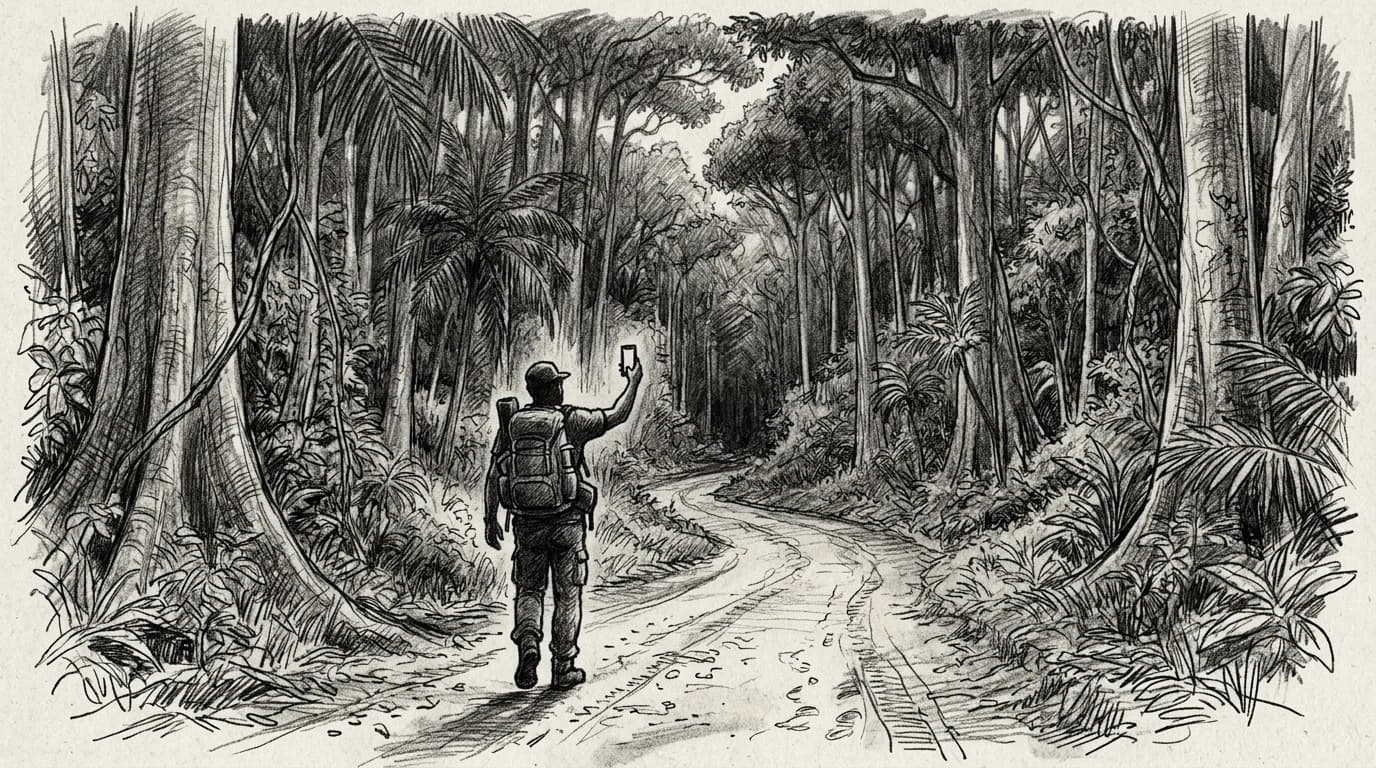
Outside Bangui, coverage collapses fast. The two active MNOs — Telecel CAR and Moov — concentrate their towers along the PK5 corridor and a handful of prefectural capitals; Bambari and Berberati have intermittent 3G at best, and most of the country's 623,000 square kilometers receives nothing. If your itinerary leaves the capital, a downloaded offline map is not a backup plan — it is the plan.
eSIM availability for CAR is narrow compared to well-connected neighbors. Planning here looks more like the Democratic Republic of Congo eSIM situation than anywhere in East Africa: regional Africa packages are usually your most reliable entry point, because local CAR SIM provisioning can be erratic even at Bangui's M'Poko Airport. Lock in your data before departure, not on arrival.
Network coverage: what Telecel CAR and Moov actually reach
Bangui has signal. Outside it, the math gets brutal fast. Telecel CAR and Moov Africa are the only two active MNOs in the country, and both concentrate their infrastructure along the Bangui–Bimbo corridor and a thin ribbon of RN1 connecting to Boali and Sibut. CAR's mobile penetration sits at roughly 27% of the population — one of the lowest rates on the continent — which tells you everything about how far the networks actually extend beyond the capital (ITU ICT Development Index 2023).
Telecel holds the larger footprint. Moov reaches PK12 and a handful of peri-urban markets but thins out sharply past Bambari. The prefectures of Vakaga, Haute-Kotto, and Mbomou — covering roughly the northeastern and southeastern thirds of the country — return no reliable 2G signal, let alone 3G or LTE. Humanitarian corridors in those zones depend on VSAT, not cellular.
Practical rule: If your itinerary moves beyond 150 km of Bangui, treat cellular data as unavailable and plan around satellite messaging devices or NGO comms infrastructure. Signal in the capital is workable; the rest of CAR is not a connectivity problem you can solve with a better eSIM plan.
Coverage gaps in similar low-infrastructure markets follow the same pattern — the Burkina Faso coverage breakdown shows how road-axis dependency plays out in practice.
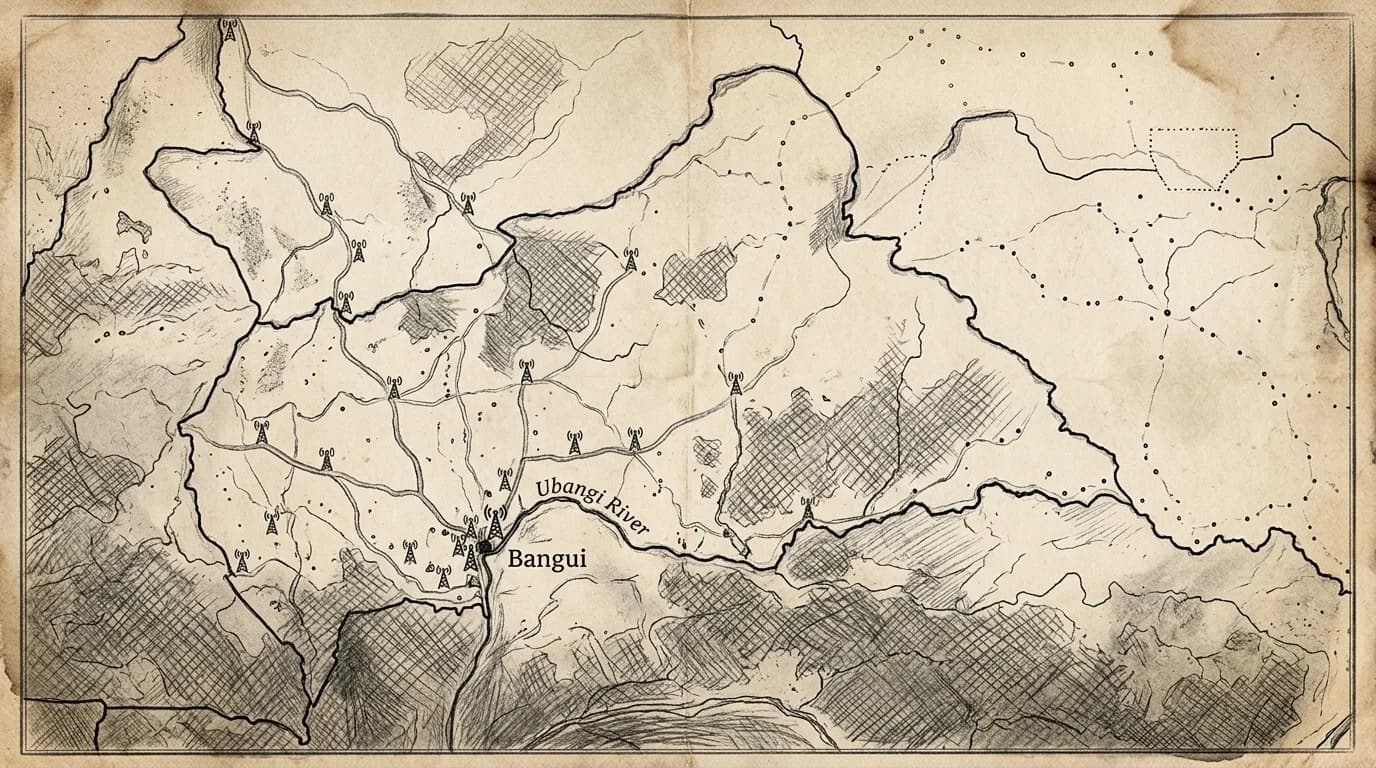
Practical rule: If your itinerary goes beyond Bangui — Berbérati, Bambari, or any river route north — download offline maps and key contacts before you leave the capital. Telecel CAR and Moov both drop to no signal within 50–80 km of most prefecture towns.
How to install and activate your eSIM before landing in Bangui
Bangui M'Poko International Airport has no reliable public WiFi — and on most days, no functional WiFi at all. If you land expecting to scan a QR code in the arrivals hall, you'll be standing there until someone takes pity on you.
Install and activate before you board. On iPhone, go to Settings > Cellular > Add eSIM, then choose "Use QR Code" or "Enter Details Manually" if your carrier provides an activation code instead of a scannable image. Android varies by manufacturer, but the full walkthrough is in the manual install guide. Either way, you need a stable connection for the initial profile download — your home WiFi is ideal, a hotel connection the night before works, airport lounges with confirmed WiFi are a distant third.
Practical rule: Download the eSIM profile at home, then toggle the plan on during your final descent into Bangui — this keeps your primary SIM free for any last-minute calls before landing.
Once the profile is on your device, activation itself takes seconds. The heavy step is the download, not the switch.
Before flying to Bangui: eSIM prep
- Confirm your phone is unlocked and eSIM-capable
- Download the eSIM profile on home Wi-Fi
- Screenshot the QR code as a backup
- Keep your home SIM active for calls
- Toggle the eSIM on only after landing
Practical rule: Activate your eSIM at home or mid-flight, not at M'Poko Airport. Bangui's terminal has no reliable public WiFi, and a QR-code install requires a stable connection — arriving without an active data profile means starting your trip dark.
Choosing the right data plan: regional Africa eSIMs vs local CAR options
Dedicated local CAR eSIM packages are almost nonexistent on the global market — Bangui simply isn't a priority destination for most eSIM aggregators. What you'll find instead are regional Africa plans that bundle multiple Sub-Saharan countries under one package, with CAR listed as a supported territory.
Coverage inside CAR on those regional plans runs through Telecel CAR's 3G/4G network, concentrated in Bangui and a handful of larger towns. Outside the capital — along the Ubangi River corridor, near Berbérati, or on the road north toward Ndélé — you'll hit extended dead zones that can swallow hours of a multi-day drive.
That dead-zone reality reshapes how you should size your data allocation. A traveler who'd burn 10 GB in two weeks in Nairobi might use 3 GB across the same period in CAR, simply because the phone sits offline for long rural stretches. Business travelers managing remote work will want a buffer regardless — the guide to eSIM for business travel worldwide covers contingency planning in low-coverage markets.
Buy for your Bangui days, not your total trip length.
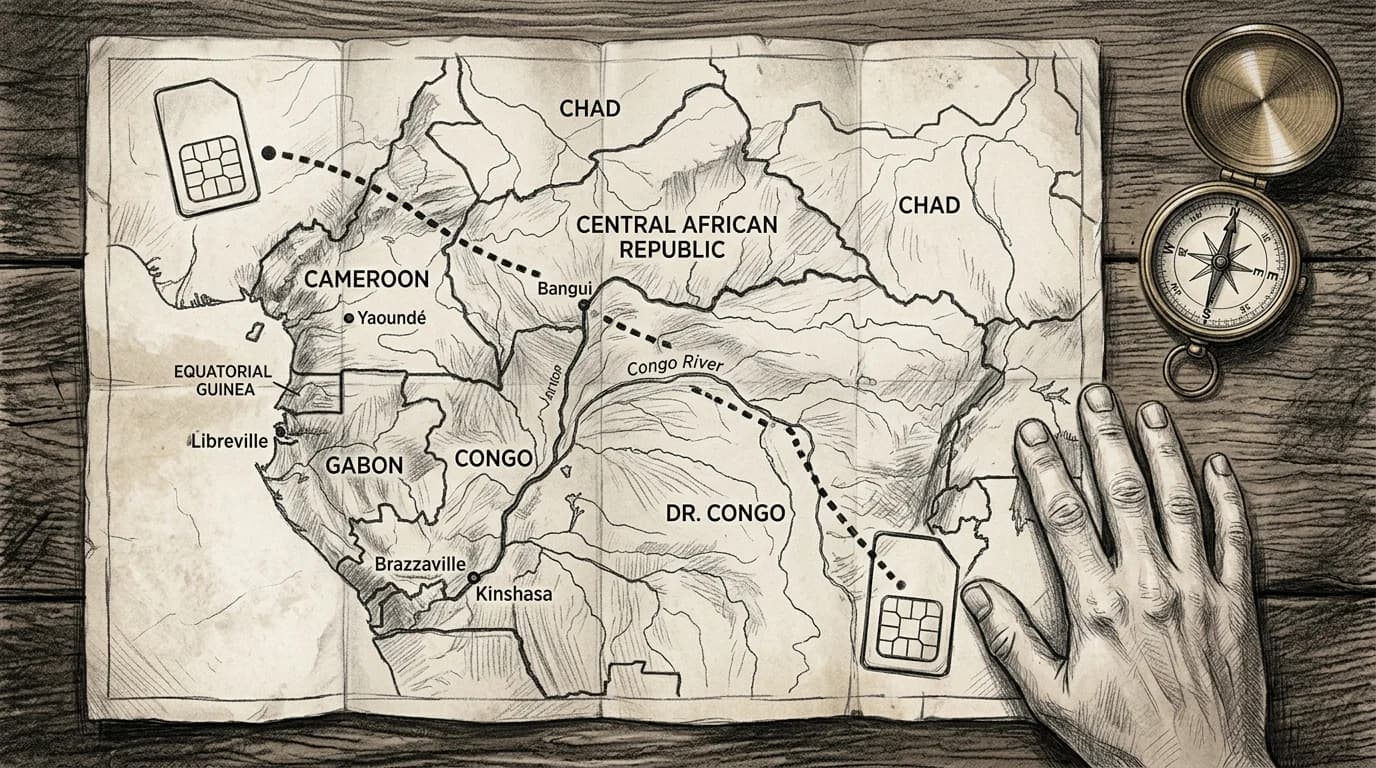
Regional Africa eSIM vs local CAR SIM
| Factor | Regional Africa eSIM | Local CAR SIM |
|---|---|---|
| Buy before departure | in-country only | |
| Setup time | 2 minutes, pre-flight | 60+ min at Bangui market |
| Keeps your number | (dual-SIM) | |
| Coverage outside Bangui | Varies by plan | Telecel/Moov towers only |
| Top-ups | In-app, no French required | Cash, in-store, French needed |
Get connected before you leave
Bangui M'Poko Airport has one small sim kiosk — it is not always staffed, and it carries no guarantees on data activation timelines. Setup from home takes under 5 minutes: download the QR code, scan it into your phone's carrier settings, and your profile is waiting the moment the plane touches down.
CAR's infrastructure gaps make pre-departure activation a genuine safety consideration, not a convenience upgrade. If your first task on the ground is navigating to a hotel in a city where street addresses are informal and offline maps drain fast, you need data before you clear customs — not after.
Roamfly's Central African Republic eSIM page lists current regional Africa plans with valid CAR coverage, so you can compare validity windows and data caps against your actual itinerary before you pack.
Ready to get connected? Roamfly's Central African Republic eSIM ships in under 5 minutes.
Ready to get connected? Roamfly's central eSIM ships in under 5 minutes.
Frequently asked questions
Which phones support eSIM for travel to Central African Republic?
iPhones from XR (2018) onward, Google Pixel 4 and later, and Samsung Galaxy S20+ flagships all support eSIM. To confirm, go to Settings → General → About → Available SIM on iPhone, or Settings → Connections → SIM Manager on Android. If you see a digital SIM slot, your phone is compatible.
Will my eSIM work outside Bangui, in places like Berbérati or Bambari?
Coverage drops sharply outside Bangui. Telecel CAR and Moov concentrate infrastructure along the RN1 corridor and in prefecture capitals like Berbérati, Bangassou, and Bambari. Remote prefectures — particularly Vakaga and Haute-Kotto — have no reliable signal. Download offline maps via Maps.me or Google Maps before leaving Bangui.
Is an eSIM cheaper than international roaming for a trip to Central African Republic?
Almost always, yes. Major carrier roaming rates for CAR frequently exceed $10–$15 per day for limited data. A regional Africa eSIM covering CAR typically costs a fraction of that for a multi-day allowance. The savings are largest on trips of five days or more, where per-day roaming costs compound quickly.
What should I do if my eSIM shows no connection after landing at M'Poko Airport?
First, toggle airplane mode off and wait 60 seconds for the device to scan for a host network. If no connection appears, go to Settings → Cellular (or Mobile Data) → Network Selection and switch from Automatic to Manual, then select Telecel CAR or Moov. If neither appears, confirm your eSIM plan includes CAR in its coverage list.
How much data do I realistically need for a 10-day trip to Central African Republic?
3–5 GB covers most practical needs for 10 days: navigation via Google Maps, WhatsApp messaging with occasional voice notes, and light browsing. Streaming video is impractical outside Bangui given network speeds. Prioritize downloading offline map packs and any critical documents before you leave a reliable connection.