
Plan your Anguilla trip with the right eSIM. Compare island data plans, coverage providers, and prices before you land on the Caribbean's most private shore.
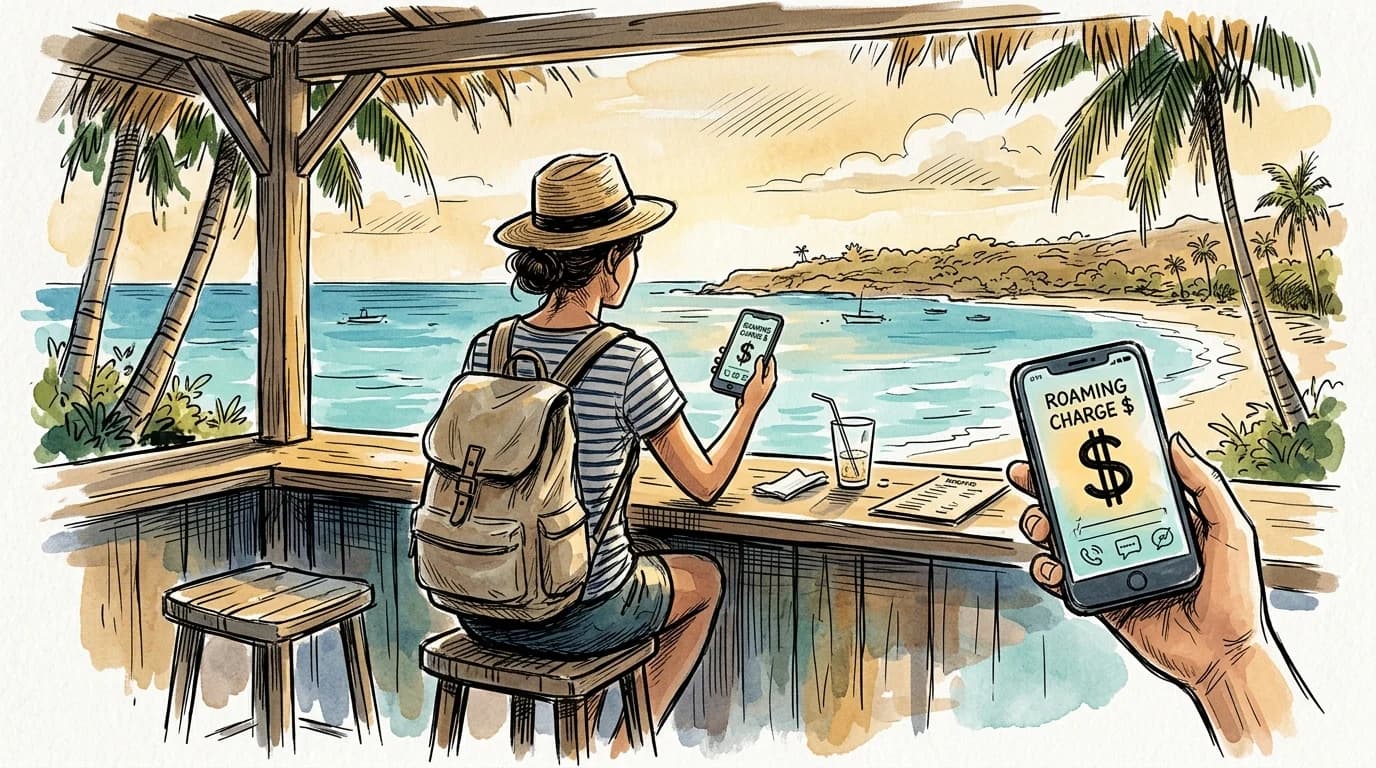
AT&T charges $10 a day for international roaming in Anguilla. T-Mobile's Go Further plan drops that to a flat day pass, but the fine print caps speeds at 256 kbps (T-Mobile international day pass pricing) — too slow to load a Google Maps pin before your taxi driver loses patience outside Clayton J. Lloyd International (T-Mobile international day pass pricing). Verizon's TravelPass runs $10 per day as well, billed the moment your phone registers a foreign tower, which happens before you've claimed your luggage.
Local SIM infrastructure on the island doesn't offer a clean escape route. Anguilla has no large-format phone retailer in The Valley, and the two carriers present — Digicel and Flow — sell physical SIMs at outlets that keep irregular hours during low season. Arriving on a Sunday afternoon, you may find nothing open until Monday.
That narrow gap between landing and getting a working connection is exactly where an eSIM earns its keep — activated on your home Wi-Fi the night before, live the second your plane touches down. For a destination as small and logistics-light as Anguilla, that head start matters more than the per-day savings, though those add up fast across a week-long stay. If you've used a similar approach before, the Barbados vacation connectivity guide covers the same Caribbean pre-activation logic.
Network coverage in Anguilla: what actually reaches the island
Two carriers split Anguilla's airwaves: Flow (formerly Cable & Wireless) and Digicel. Every eSIM plan that works on the island rides one of those two networks through roaming partnerships — your plan doesn't create a third option, it just determines which of the two you land on.
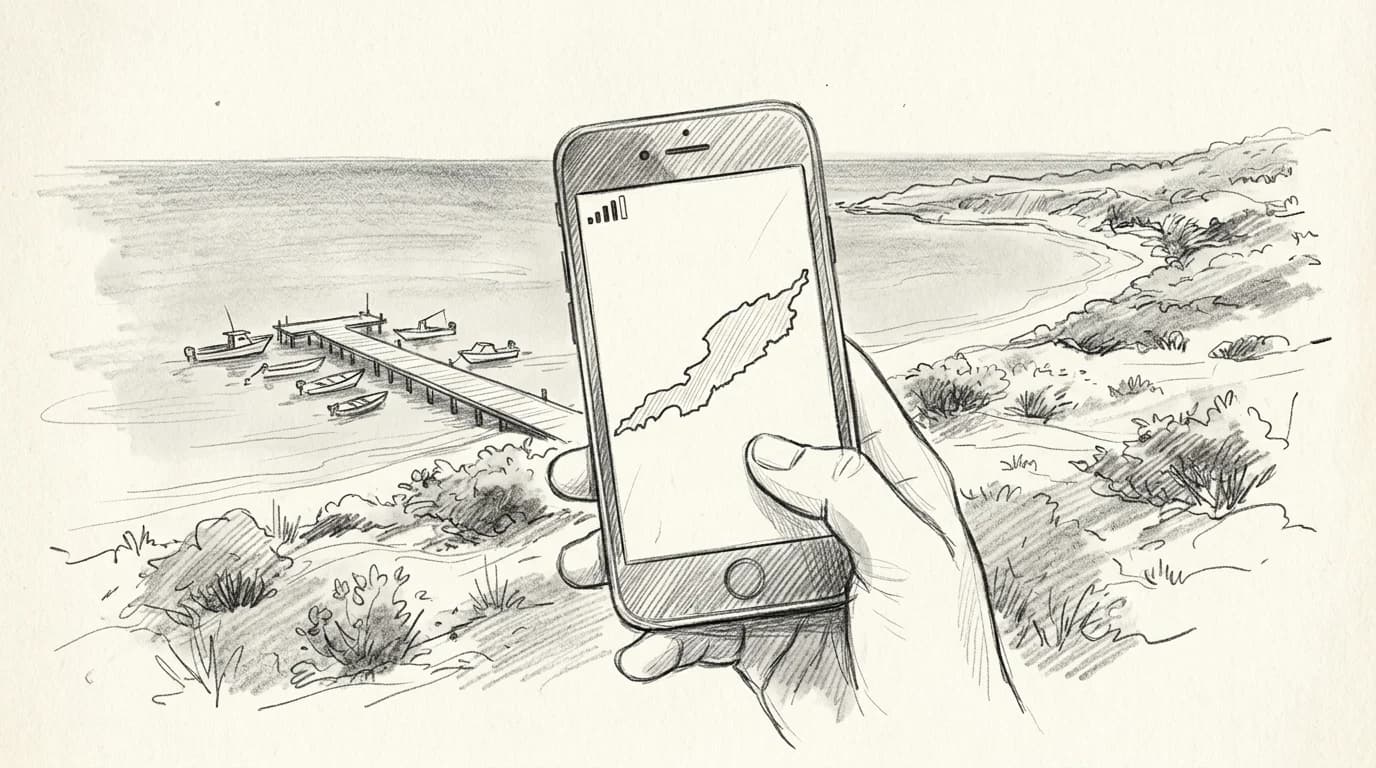
Coverage follows the road. The stretch from The Valley to Sandy Ground is solidly served by both operators, with consistent 4G LTE hitting 15–30 Mbps down in town. Push east toward Island Harbour or Shoal Bay East and signal thins; Digicel drops to 3G in pockets past the Captain's Bay junction, while Flow holds LTE a few kilometres further before it softens too (GSMA Mobile Network Coverage Map 2025). There is no 5G on Anguilla as of 2026 (GSMA Mobile Network Coverage Map 2025) — plan around LTE ceilings.
Practical rule: If your itinerary includes the East End beaches, check how eSIM roaming handoffs work on iPhone and Android before you travel — some plans lock to a single host MNO and can't switch if signal degrades.
Stream and navigate without worry in the west. Pack a downloaded offline map for anything past Captain's Bay.
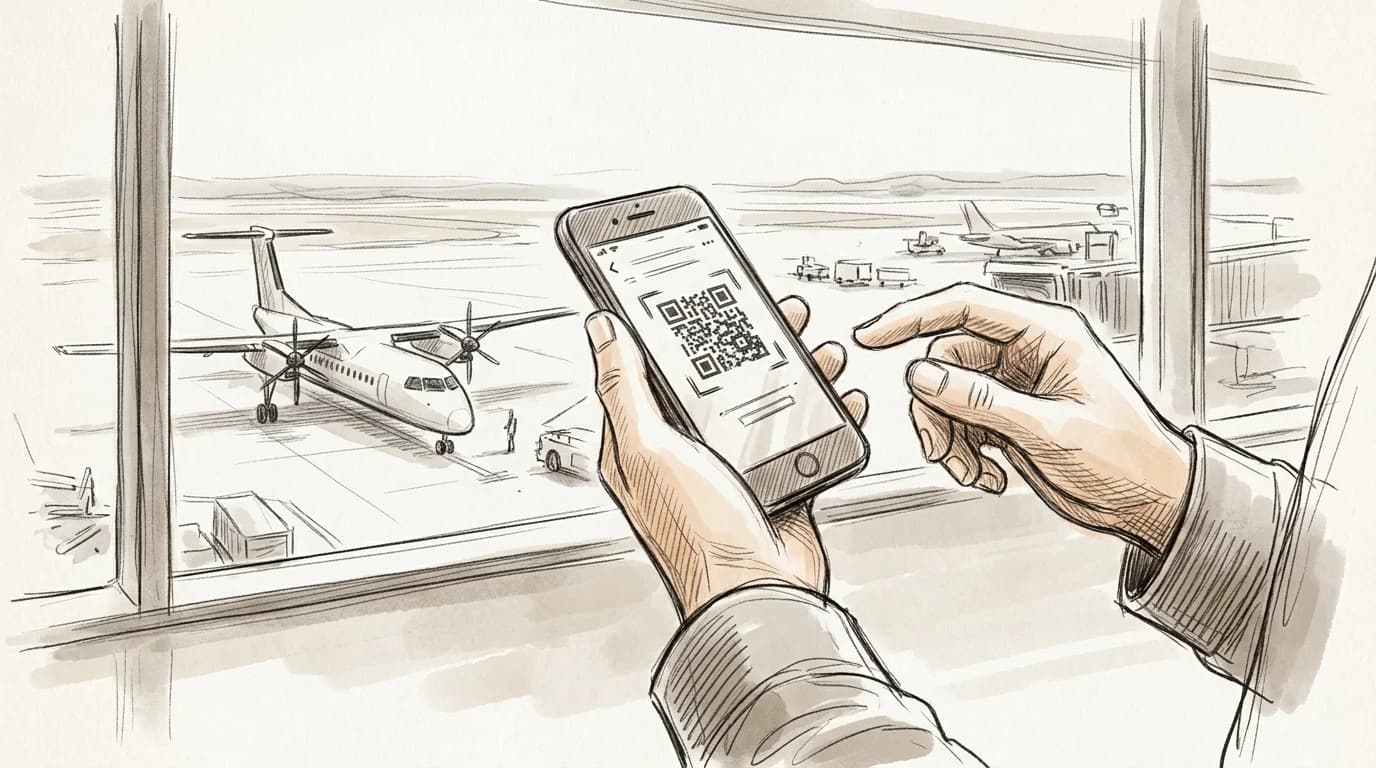
Practical rule: If your Anguilla itinerary routes through Princess Juliana in St. Maarten, activate your eSIM at home before you leave — not at the gate. The SXM–Blowing Point ferry has no guaranteed signal window, and your hotel's check-in directions won't wait for a slow network handshake.
Choosing the right data plan for a short Anguilla stay
Meads Bay to Little Bay is a 12-minute drive — Google Maps runs comfortably on under 40 MB. The heavier variables are what you do in between.
A realistic Anguilla day looks like this: navigation to your beach, a video call home while the sun sets over Cap Juluca, and a handful of Instagram uploads from Little Bay's cliffs. That adds up to roughly 200–350 MB per day if you're being normal about it. Stretch it to 500 MB if you're streaming music in the Jeep or posting Reels. Over 7 days, you're looking at 1.5–3.5 GB total.
Practical rule: Pick the 3 GB plan for a 5-night stay, the 5 GB plan for 7–10 nights. Anything larger is padding you won't use on an island this small.
The same sizing logic applies across Caribbean destinations — Roamfly's Barbados vacation connectivity guide breaks down how leisure usage patterns hold consistent island to island. Anguilla's limited cell density means your phone won't be hunting signal constantly, which actually keeps background data consumption lower than a city trip.
Before you board for Anguilla
- Confirm your phone is eSIM-compatible and carrier-unlocked
- Purchase your Anguilla plan on home Wi-Fi
- Download and install the eSIM profile before departure
- Keep the eSIM toggled off until you land at Clayton J. Lloyd
- Set the Roamfly eSIM as your default data line on arrival
Practical rule: Budget 1.5 GB per day for a typical Anguilla leisure trip — navigation to Meads Bay, a daily video call, and light social uploads. A 10 GB plan covers seven days with 3.5 GB to spare; drop to 5 GB only if your villa has solid Wi-Fi and you won't be driving the island.
How to install and activate your Anguilla eSIM before you board
Most flights to Anguilla connect through Princess Juliana in St. Maarten or Luis Muñoz Marín in San Juan — and both are exactly the wrong place to fumble through eSIM installation for the first time. Install and activate at home, on your own Wi-Fi, before you pack.
On iPhone, go to Settings > Cellular > Add eSIM, then scan the QR code Roamfly emails you or tap the carrier link directly; the full walkthrough is in the eSIM activation guide for iPhone. Android varies by manufacturer — Samsung buries it under Connections > SIM Manager, while Pixel devices put it one level up under Network & Internet. Either way, the process takes under four minutes on a stable connection (Apple Support – Use eSIMs on iPhone).
Once installed, set your data plan as the default for cellular data and leave calls on your physical SIM. Toggle airplane mode on, then off. That handshake confirms the eSIM is live before you ever leave your driveway — not standing in a St. Maarten transit lounge hoping the airport Wi-Fi holds.
Roamfly eSIM vs carrier roaming in Anguilla
| Factor | Roamfly eSIM | Carrier Roaming |
|---|---|---|
| Setup | Done before you fly | Automatic, no control |
| Cost predictability | Fixed plan price | Per-MB surprise charges |
| Keeps your home number | (dual-SIM) | |
| Works at The Valley and Sandy Ground | (local network) | Varies by agreement |
| Top-ups | In-app, instant | Call your carrier abroad |
Get connected before you leave for Anguilla
The ferry from Marigot Bay to Blowing Point takes 25 minutes. That crossing is the last moment you have reliable cell service before Anguilla's coverage becomes entirely dependent on whichever plan you've already activated.
Roamfly's Anguilla eSIM is ready in under five minutes — buy, install, and confirm it's live while you're still on St. Maarten soil. By the time the ferry docks and you're walking toward the Blowing Point arrival hall, your map, your villa confirmation, and your ride are already loading. The same logic applies if you're flying the short hop from Princess Juliana: activate on the ground at SXM, not scrambling for airport Wi-Fi on the other side.
Waiting until you land to sort data is the single most common mistake first-time visitors make, and Anguilla has no SIM kiosk at Blowing Point to bail you out.
Related guides
- how eSIM roaming handoffs work on iPhone and Android
- the eSIM activation guide for iPhone
- Roamfly's Anguilla eSIM
Ready to get connected? Roamfly's anguilla eSIM ships in under 5 minutes.
Frequently asked questions
Does my iPhone or Android phone support eSIM in Anguilla?
iPhones from XR (2018) onward and every Google Pixel from the 4 onward support eSIM. Samsung Galaxy S20+ flagships do too, though some carrier-locked Galaxy units sold in the US block eSIM (Apple Support – Use eSIMs on iPhone) — confirm yours is unlocked first. On iPhone, check Settings → General → About → Available SIM.
Is there 5G coverage in Anguilla?
No. Anguilla's two main carriers, Flow and Digicel, operate LTE (4G) networks that cover the main roads and populated areas between The Valley and West End. Expect LTE speeds of 10–30 Mbps in those corridors. Remote beaches and the interior bluffs can drop to 3G or no signal.
Can I activate my eSIM on the ferry from St. Maarten to Blowing Point?
You can, but it's unreliable. The 20-minute crossing sits between two network jurisdictions, and signal handoff mid-channel is inconsistent. Scan the Roamfly QR code before you board in Marigot or Philipsburg while still on Wi-Fi — the eSIM activates automatically once your phone detects an Anguilla host network at Blowing Point.
Will an eSIM work at remote beaches like Little Bay or Savannah Bay?
Partially. Little Bay, accessible only by boat or cliff path, sits in a cove with limited line-of-sight to towers — expect intermittent LTE or EDGE. Savannah Bay on the east end has better exposure and generally holds an LTE signal. Download offline maps via Google Maps before leaving your accommodation.
How many GB do I need for a 7-day Anguilla vacation?
3 GB covers light use — maps, messaging, and occasional Instagram uploads. Budget 5–6 GB if you plan to stream music, use Google Maps continuously while driving the island's roads, or make video calls. Most Roamfly Caribbean plans start at 3 GB; stepping up to 5 GB adds roughly $4–6 and removes the mental math entirely.