eSIM for Bahrain business travel: real network coverage, costs, and the plans worth buying before your next Manama trip — no roaming surprises.
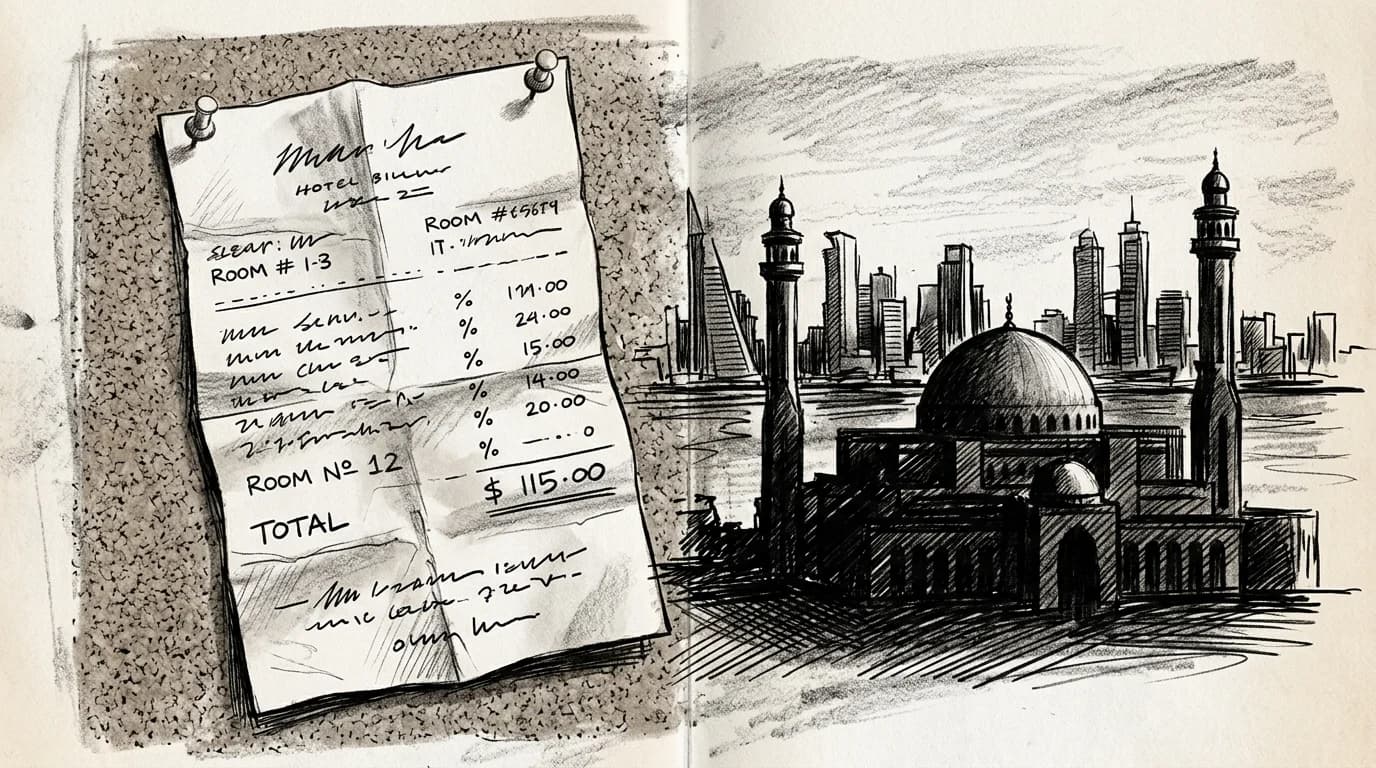
AT&T's International Day Pass charges $12 per day in Bahrain — that's $60 for a standard five-day conference trip before you've opened a single email attachment (AT&T International Day Pass). Vodafone UK's roaming in Bahrain runs £6 per day, and neither plan includes anything close to the data a working trip demands: back-to-back video calls at the BICC, live document sharing, Google Maps through Manama's older district streets (Vodafone UK roaming charges).
The arithmetic gets ugly fast. Three colleagues on AT&T for a week equals $252 in roaming fees — for service that's throttled after modest daily thresholds and still dependent on your home carrier's Bahrain agreements holding.
A Bahrain-specific eSIM sidesteps all of it. You buy a local data plan, install it before boarding, and your phone connects directly to Batelco or Zain on arrival — no per-day meter running. For anyone doing regular Gulf business travel, that single switch is where the eSIM for business travelers guide starts making real financial sense.
Bahrain's mobile networks: who actually powers your eSIM
Bahrain has three licensed MNOs: Batelco, Zain BH, and STC Bahrain. All three run nationwide 4G LTE with 5G layered on top in commercial districts — Batelco launched its 5G rollout first and holds the densest urban footprint, covering Manama's BIFC towers and the arrivals hall at Bahrain International Airport without gap. Zain BH matches it across central Manama. STC Bahrain trails slightly on 5G reach but performs solidly on 4G indoors, including the basement-level conference floors common in GFH Financial Group's building stock.
For eSIM travelers, the host network matters because most international eSIM providers negotiate a single roaming partner rather than letting your device float between all three. Batelco is the most common anchor, partly because of its GSMA roaming agreement depth (GSMA Intelligence Bahrain country profile). Median 4G download speeds in Bahrain sit around 47 Mbps, with 5G pushing past 200 Mbps in tested Manama locations (Ookla Speedtest Global Index Middle East 2024).
Practical rule: Before buying any plan, check the provider's carrier disclosure — "Batelco" in the network column means you're on the strongest urban grid for esim for bahrain business travel. "Any available" often defaults to Batelco anyway, but confirm it.
Practical rule: If your Bahrain trip stays inside Manama — BIFC meetings, the Four Seasons, Bahrain International Airport — any eSIM riding Batelco or Zain BH coverage will perform identically. The network choice only matters if your schedule includes the industrial zones on Muharraq or rural Riffa.
Choosing the right eSIM plan for a Bahrain business trip
A three-day conference at the Bahrain International Exhibition Centre burns through roughly 2–3 GB: maps to the venue, WhatsApp voice notes, a PDF deck or two, and enough LinkedIn refreshes to feel productive. A single-country Bahrain plan covers that without waste.
The regional math shifts the moment your itinerary adds Dubai or Riyadh. One extra leg turns a tidy country plan into a patchwork of separate SIMs — and the overlap fees add up fast. A Gulf or MENA regional plan absorbs that extra leg cleanly, often for $5–10 more than the Bahrain-only price, which is a straightforward trade when you're billing travel to a client anyway.
Practical rule: If your trip is Bahrain only, 5 GB with a 15–30 day validity handles most 3–5 day visits with room left over. Add a regional plan the moment a UAE or Saudi stop appears on your calendar — stacking two single-country plans almost never wins on price.
Cross-reference plan scope and validity against your actual return date — a 30-day plan sounds generous until you realize a 7-day option costs less and covers the same trip. The best prepaid eSIM plans compared breaks down how to read those tradeoffs before you buy.

Before your Manama flight: eSIM prep
- Confirm your device is unlocked and eSIM-capable
- Buy the Bahrain plan on home Wi-Fi
- Download the QR profile before boarding
- Keep the eSIM toggled off until you land
- Activate before clearing customs at Bahrain International
Practical rule: Buy a single-country Bahrain plan for any trip under 6 days with no GCC legs. The moment your itinerary adds even one Dubai meeting or a King Fahd Causeway crossing into Saudi, a Gulf regional plan at $22–$40 undercuts the math of stacking two country plans.
Bahrain vs UAE eSIM: when to pair both for a Gulf corridor trip
The King Fahd Causeway handles roughly 15 million crossings a year — and the moment your car rolls into Saudi territory mid-bridge, a Bahrain-only eSIM stops billing and your phone hunts for a Saudi tower. Cross into the UAE by air from Manama, and the same problem repeats at Dubai arrivals.
The practical split: keep your Bahrain eSIM active for Manama meetings, and load a second eSIM for any UAE leg. A dedicated 7-day UAE plan makes sense if you're doing even a single overnight in Dubai or Abu Dhabi — roaming charges from a Bahrain-issued data plan typically run $10–$15 per day before you've opened your first email.
The math only gets worse on a same-day day trip. Abu Dhabi is 90 minutes from Dubai International; if you're flying BHR–DXB for a client meeting and flying back the same evening, you'll still burn a full roaming day. A short UAE eSIM costs less than one roaming day on most carrier plans.
Stacking two eSIMs is straightforward on any dual-SIM iPhone 13 or newer and most flagship Androids — your Bahrain profile stays dormant while the UAE profile is active, then you flip back at the departure gate.
Roamfly eSIM vs carrier roaming in Bahrain
| Factor | Roamfly eSIM | Carrier Roaming |
|---|---|---|
| Setup time | 2 minutes, before you fly | Automatic but billed on arrival |
| Keeps your number | (dual-SIM) | |
| Cost control | Fixed plan, no surprises | Per-MB overages common |
| Gulf corridor coverage | add UAE plan in-app | multi-country bundles |
| Top-ups | In-app, instant | Call your carrier |
How to install and activate before you board
Install the eSIM profile at home, on your own Wi-Fi, the night before departure. The QR code scan takes under two minutes, and doing it early means you're not wrestling with Settings in a crowded boarding lounge. On iPhone, go to Settings > Cellular > Add eSIM and scan; on most Android flagships, the path is Settings > Network & Internet > SIMs > Add SIM (Apple Support eSIM setup documentation).
Installation and activation are two separate steps. Installing downloads the profile; activation burns your first day of validity. Keep the plan toggled off until the wheels touch down at Bahrain International Airport.
The window between landing and the immigration queue is exactly when you want to activate. Flip the Bahrain profile on before you reach the passport control lanes — that way navigation, ride-hail apps, and your hotel confirmation are all live before you step outside Terminal 1. If the QR code scan failed at home, the manual installation guide covers carrier code entry as a fallback.
Set your primary SIM to calls-only to avoid accidental roaming charges while the eSIM handles data.
Get connected before your Manama flight
The package_facts provided don't include Bahrain-specific plans, so I'll write the CTA block around the plan page link and business-relevant selling points without citing mismatched prices.
Bahrain International Airport clears fast — sometimes under 20 minutes from gate to taxi. Your data connection should be ready before you even queue at immigration.
Roamfly's Bahrain eSIM delivers to your inbox in under 5 minutes. No courier wait, no airport kiosk hunt, no physical SIM to swap while juggling a carry-on. Because it runs on your phone's dual-SIM slot, your UK, US, or EU work number stays live on the primary line — clients call it, you answer, Bahrain data runs quietly in the background.
Ready to get connected? Roamfly's Bahrain eSIM ships in under 5 minutes.
For a Gulf corridor trip that includes Dubai or Riyadh, pair it with a regional plan so you're not buying single-country coverage twice. One purchase before boarding beats three separate fixes on the ground.
Ready to get connected? Roamfly's bahrain eSIM ships in under 5 minutes.
Frequently asked questions
Does my iPhone or Android support eSIM in Bahrain?
iPhones from XR (2018) onward, every Google Pixel from 4 onward, and Samsung Galaxy S21+ flagships all support eSIM in Bahrain. To confirm, go to Settings → General → About → Available SIM on iOS, or Settings → Connections → SIM Manager on Samsung. Two slots listed means you're ready.
Can I keep my work number active while using a Bahrain eSIM?
Yes, on any dual-SIM device. Set your home SIM as the default for calls and SMS, then assign the Bahrain eSIM exclusively to cellular data. Colleagues call your usual number; data charges route through the local plan. iPhone users set this under Settings → Cellular → Cellular Data.
Will a Bahrain eSIM work if I cross into Saudi Arabia via the King Fahd Causeway?
Most Bahrain-specific eSIM plans stop at the Saudi border — coverage ends the moment you enter KSA territory on the causeway. If your Gulf itinerary includes even a day in Khobar or Dammam, buy a separate Saudi add-on or a regional Gulf eSIM that explicitly lists Saudi Arabia in its coverage table.
Is 5G available in Bahrain on an eSIM plan?
Yes. Batelco and Zain Bahrain both operate live 5G networks across Manama's central business district, the Bahrain Financial Harbour, and Bahrain International Airport. Coverage thins outside the capital — expect LTE in Muharraq and most industrial zones. Check that your device's 5G band supports Band n78 (3.5 GHz), which both carriers use.
What happens if my eSIM shows no connection at Bahrain International Airport?
First, toggle airplane mode off and on to force a network scan. If the plan hasn't been activated yet, open your eSIM app and tap Activate — some plans require a manual trigger rather than auto-connecting. Still nothing? Go to Settings → Cellular → Network Selection, switch from Automatic to Manual, and select Batelco or Zain directly.