Learn exactly how to switch between eSIM profiles while traveling — country to country, iPhone to Android, without dropping calls or losing your active data.
The Stuttgart-to-Kraków express crosses into Poland at Zebrzydowice without announcement — no PA chime, no border stop, just a timestamp change on your phone and suddenly your German plan is roaming at €0.15 per MB. Most travelers don't notice until a data-heavy Maps reroute lands a surprise charge.
The problem is rarely the eSIM itself. It's the gap between buying a country plan and actually knowing what a SIM profile does at the OS level — which line is "active," which handles data, and whether your phone will switch automatically or sit idle on the wrong carrier. iPhones default to your primary line for cellular data after a restart. Android behavior varies by manufacturer, sometimes reverting to the physical SIM even when a data eSIM is set. (Apple Support — Manage cellular plans on iPhone)
Two failure modes dominate: travelers activate the new plan but forget to set it as the data line, or they toggle the right profile but leave "Allow Cellular Data Switching" on, which quietly routes traffic back to the expensive line. Both are fixable in under a minute once you know where to look.
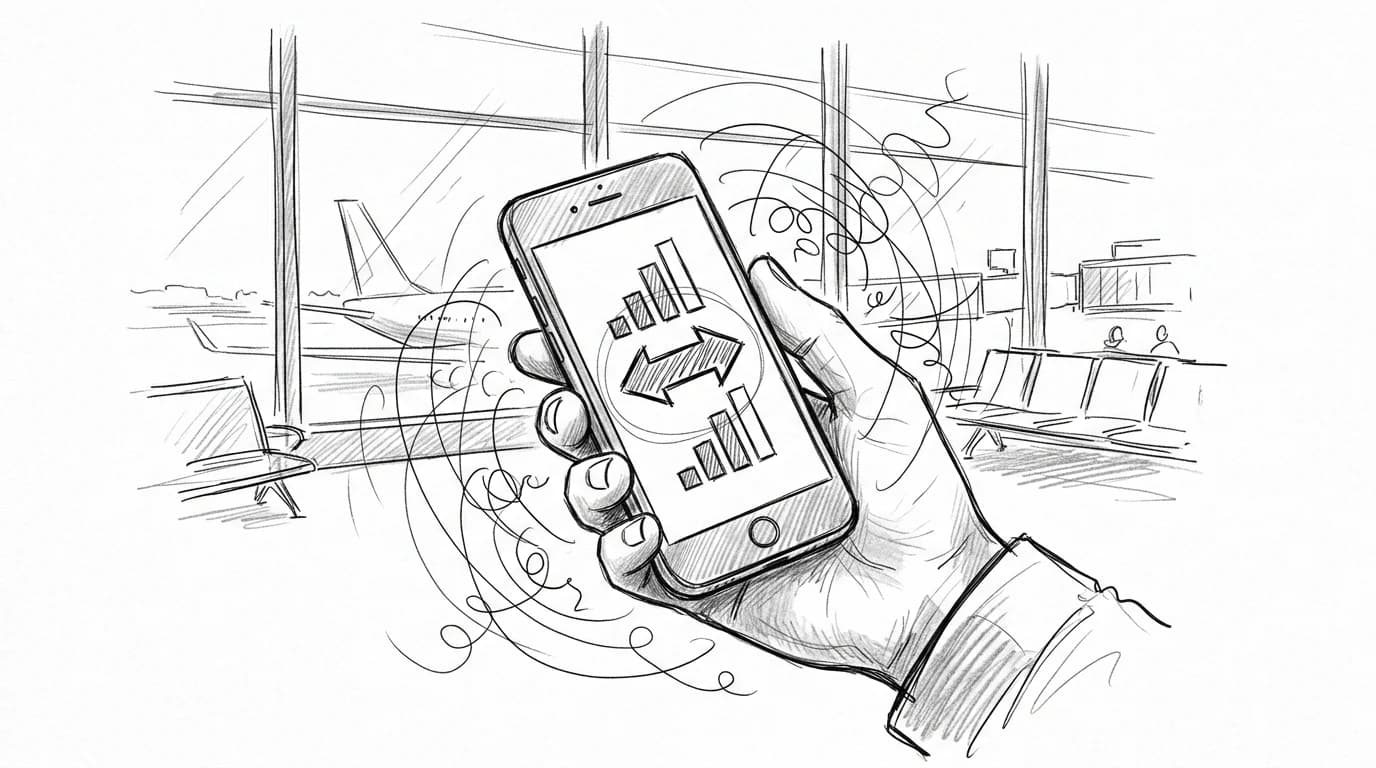
How to switch eSIM profiles on iPhone (iOS 17 and later)
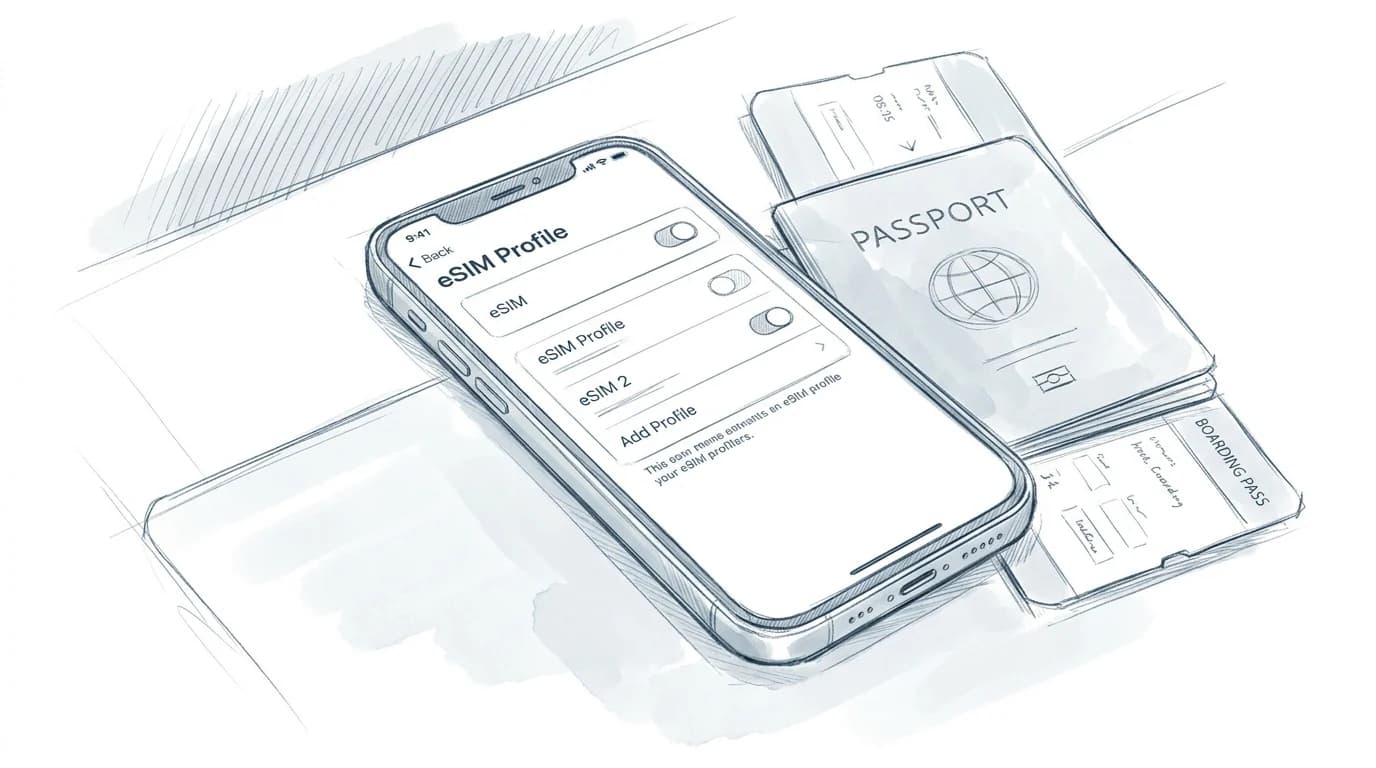
Four taps get you to the right profile. Open Settings, tap Cellular, scroll to your stored plans, and tap the one you want active — then flip the toggle to Turn On This Line. That's the full flow on iOS 17 and later.
Two settings determine how data actually routes. Under Cellular Data, choose which line handles data by default. The Allow Cellular Data Switching toggle beneath it lets iOS fall back to your other line when the primary has no signal — useful in border zones, distracting if you're trying to keep a local plan from racking up charges. Turn it off when you want strict control.
Practical rule: On iPhone 15 and later, both eSIM slots are active simultaneously (Apple Support — Use Dual SIM with two eSIMs), so you can receive calls on your home number while your travel plan handles all data — but only if Default Voice Line stays set to your local SIM and data switching is off.
iPhone 14 and earlier require you to toggle one plan off before the other goes live. Check how to activate an eSIM on iPhone before traveling if the plan isn't appearing under your stored lines (Apple Support — Use Dual SIM with two eSIMs).
How to switch eSIM profiles on Android (Samsung, Pixel, and others)
On a Samsung Galaxy, the path is Settings > Connections > SIM Manager > eSIM — not the generic "SIM card" menu that most tutorials screenshot. Stock Android 12 and later (Pixel 6 onward) routes you through Settings > Network & internet > SIMs instead; same destination, different hallway.
Tap the profile you want active, then toggle it on. One UI adds a "Default SIM" prompt immediately after — set it for calls and data separately, or your data profile may stay pinned to the old one. Pixel skips that prompt and switches in a single tap.
The carrier-lock caveat matters more than most people realize: Android's carrier configuration framework lets network operators enforce a 24-hour switching freeze after first activation (Android Developer docs — Carrier configuration for eSIM), which means a profile you installed at Heathrow may not toggle freely until the next morning. If you need to switch profiles mid-trip and hit a wall, the eSIM iPhone setup troubleshooting guide covers Android edge cases too.
Switch Active eSIM Profile in 4 Steps
- Open Settings → Cellular (or Mobile Data)
- Tap the eSIM line you want to activate
- Toggle "Turn On This Line" to enable it
- Set it as your Primary or Data line
- Disable the previous country profile to avoid conflicts
Managing multiple country profiles on a single device
Crossing from Skopje into Belgrade with four active profiles and no labels is a fast way to burn through data on the wrong plan. Name each profile by country the moment you install it — "Albania", "Serbia", "North Macedonia" — not the carrier string your provider assigns, which might read something like "Operator_RSM_4G_001".
Delete expired plans before you move on. A dead Albanian profile sitting in your list doesn't cost data, but it creates decision paralysis at the border when you're toggling quickly. Most devices cap stored eSIM profiles at 5–10 (GSMA eSIM Remote SIM Provisioning Architecture), so the housekeeping matters on a long Balkans run.
Practical rule: Install the next country's eSIM while you still have a working connection — at your hotel in Tirana, not at the Blace border crossing where you'll have no signal to complete the QR scan.
The broader strategy for nomads managing three or more itinerary legs: treat eSIM installation as part of your pre-departure checklist for each leg, the same way you'd confirm onward transport. For more on profile management across multi-country trips, the business traveler connectivity guide covers stacking regional and country plans together. GSMA's remote provisioning spec confirms that profiles remain dormant — not transmitting — when set to inactive, so there's no background data risk from keeping a future-country plan pre-loaded (GSMA eSIM Remote SIM Provisioning Architecture).
iPhone vs Android eSIM Switching
| Factor | iPhone (iOS 17+) | Android (Samsung / Pixel) |
|---|---|---|
| Menu path | Settings → Cellular → line name | Settings → Connections → SIM Manager |
| Rename profiles | (any label) | (Samsung and Pixel) |
| Quick-toggle from lock screen | ||
| Multiple active eSIMs at once | (dual active SIM) | (device-dependent) |
| Carrier lock risk | Unlocked if bought SIM-free | Unlocked if bought SIM-free |
Practical rule: Pre-install the next country's eSIM profile while you still have reliable data in the current one. Downloading a new QR code at the Serbia–North Macedonia border with one bar of signal is a 20-minute problem you can solve the night before in a Skopje hotel room.
Get connected before your next border
Pre-loading a plan the night before you fly means activation is a single tap at the gate, not a scramble for Wi-Fi in an unfamiliar terminal. That difference matters most at places like Vienna International, where the free Wi-Fi requires an SMS verification your home number can't receive.
Roamfly's catalog covers 190+ countries, and the Austria travel eSIM guide walks through exactly which plan tiers suit a short city break versus a two-week circuit through Salzburg and Graz. Browse, install, and leave the profile dormant until you land. Your physical SIM keeps working the whole flight.
Switching is only frictionless when the profile is already on your device. Searching for a plan at the border — patchy signal, drained battery, a queue behind you — turns a 10-second toggle into a 20-minute problem. Install early. Activate late. That's the whole method.
Ready to get connected? Roamfly's Austria eSIM ships in under 5 minutes.
Frequently asked questions
How many eSIM profiles can I store on one phone at the same time?
iPhone 15 Pro stores up to 8 eSIM profiles simultaneously; older dual-SIM iPhones (XS through 14) store up to 8 as well but activate only one at a time. Most Android flagships — Pixel 7 onward, Galaxy S23 onward — store between 5 and 10 profiles depending on firmware. (Google Support — Set up a SIM card or eSIM on Pixel) Check your carrier settings under Settings → Cellular (iOS) or Connections → SIM Manager (Samsung).
Will switching eSIM profiles mid-trip delete the plan I'm turning off?
No. Turning off an eSIM profile suspends it — the plan's remaining data and validity stay intact. On iPhone, go to Settings → Cellular, tap the active plan, and toggle Turn On This Line off. The profile sits dormant until you re-enable it, which takes under 30 seconds.
Why is my eSIM not connecting after I switched profiles?
The most common cause is a stale network registration. Toggle airplane mode on for 15 seconds, then off — this forces the modem to re-scan for the host MNO. If that fails, go to Settings → Cellular → your eSIM plan and confirm Data Roaming is enabled. Carrier bundles sometimes reset that toggle on profile switch.
Can I switch between eSIM profiles without a Wi-Fi connection?
Yes. Profile switching is handled entirely on-device — no internet connection is required to enable or disable a stored eSIM. The only step that needs Wi-Fi or mobile data is the initial download of a new QR-based profile, which you should complete before crossing a border.
Should I use a regional eSIM or separate country profiles for a multi-country trip?
A regional plan wins for trips under 21 days covering 3 or more countries — one profile, no switching, consistent pricing across borders. Separate country profiles make sense when one destination dominates the itinerary (say, 10 days in Germany, 2 in Austria) and the per-GB rate on a Germany-only plan is meaningfully lower than the Europe bundle.