Planning travel to Afghanistan? Here's what eSIM coverage actually looks like — networks, speeds, costs, and how to stay connected in Kabul and beyond.
A journalist friend filed from Kabul in 2023 on a single bar of MTNN-routed 3G, paying $22 per day through her UK carrier's roaming add-on. That $22 bought roughly 200 MB before throttling kicked in. Afghanistan ranks among the lowest-scoring countries on the GSMA Mobile Connectivity Index 2024, held back by damaged tower infrastructure, fuel shortages at generator-dependent base stations, and a carrier market that effectively collapsed after 2021 (GSMA Mobile Connectivity Index 2024).
The practical result: your home carrier's roaming agreement likely points to one of two surviving operators — Afghan Telecom or MTN Afghanistan — and neither runs consistent 4G outside Kabul, Mazar-i-Sharif, and Herat city centers. Rural stretches between those hubs can drop to EDGE or nothing.
Standard roaming is expensive and fragile here. For eSIM for business travelers working across difficult markets, a pre-loaded eSIM with a fixed data cap at least caps your exposure — you know exactly what you're spending before the wheels touch down at Hamid Karzai International.
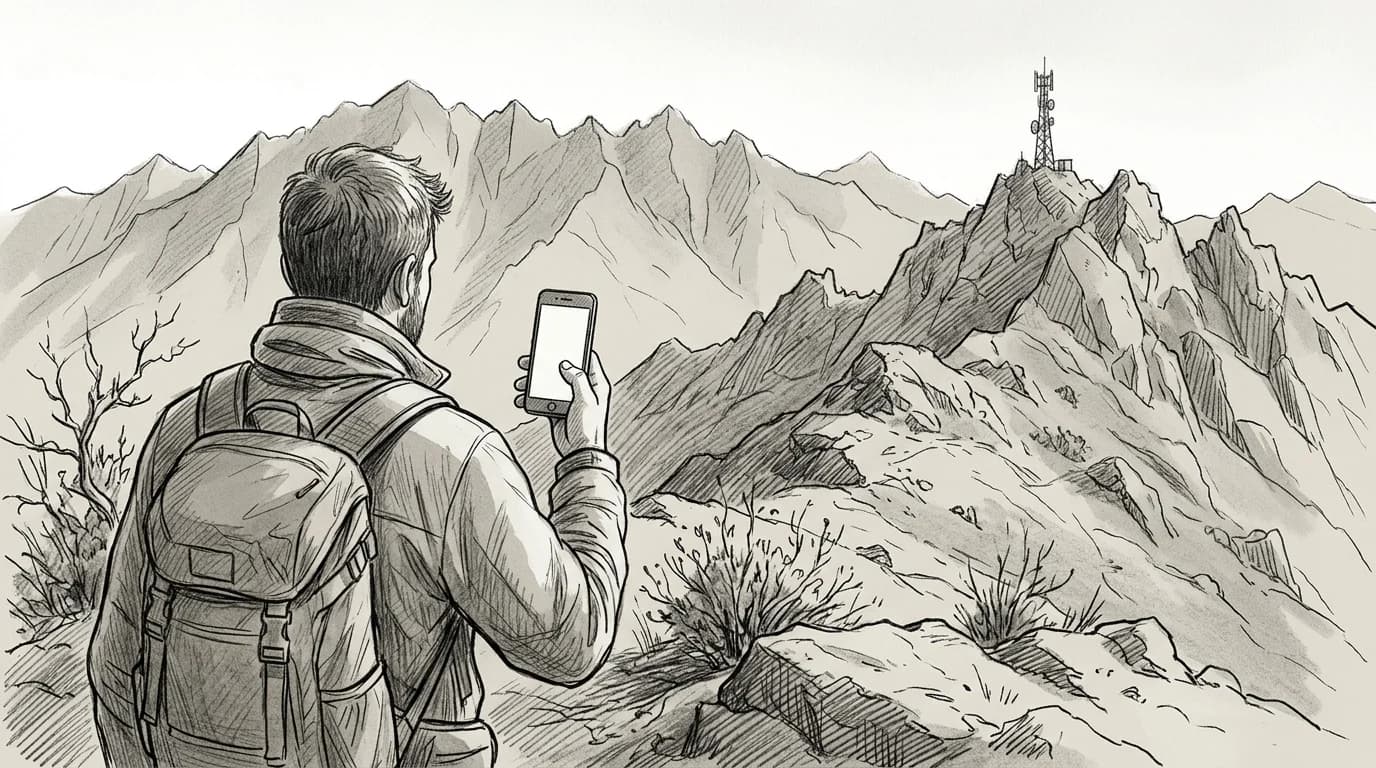
Which networks your eSIM actually roams onto in Afghanistan
Four operators divide Afghanistan's signal between them, and the split matters. Roshan and MTN Afghanistan carry the broadest 4G footprint — Kabul, Mazar-i-Sharif, Herat, and Kandahar city centers get usable LTE from both. Afghan Telecom (AFTEL) runs strong 3G in provincial capitals but lags on 4G rollout outside Kabul. Etisalat Afghanistan (now rebranded under Salaam) concentrates its 4G in urban corridors along the Kabul-Jalalabad highway.
Rural reach drops sharply past those anchors. Afghanistan's median mobile download speed sits at 9.4 Mbps — one of the lowest figures Ookla records for any country (Ookla Speedtest Global Index — Afghanistan 2024). Districts in Nuristan, Badakhshan, and most of Ghor province have no registered signal at all on any operator.
Practical rule: Before your trip, confirm which host MNO your eSIM steers to — Roshan or MTN gives you the best fallback odds in Kabul and secondary cities. An eSIM locked to AFTEL 3G only is a real limitation outside the capital.
Your eSIM's roaming tier determines which of these operators your phone actually sees. Not all plans negotiate access to every MNO.
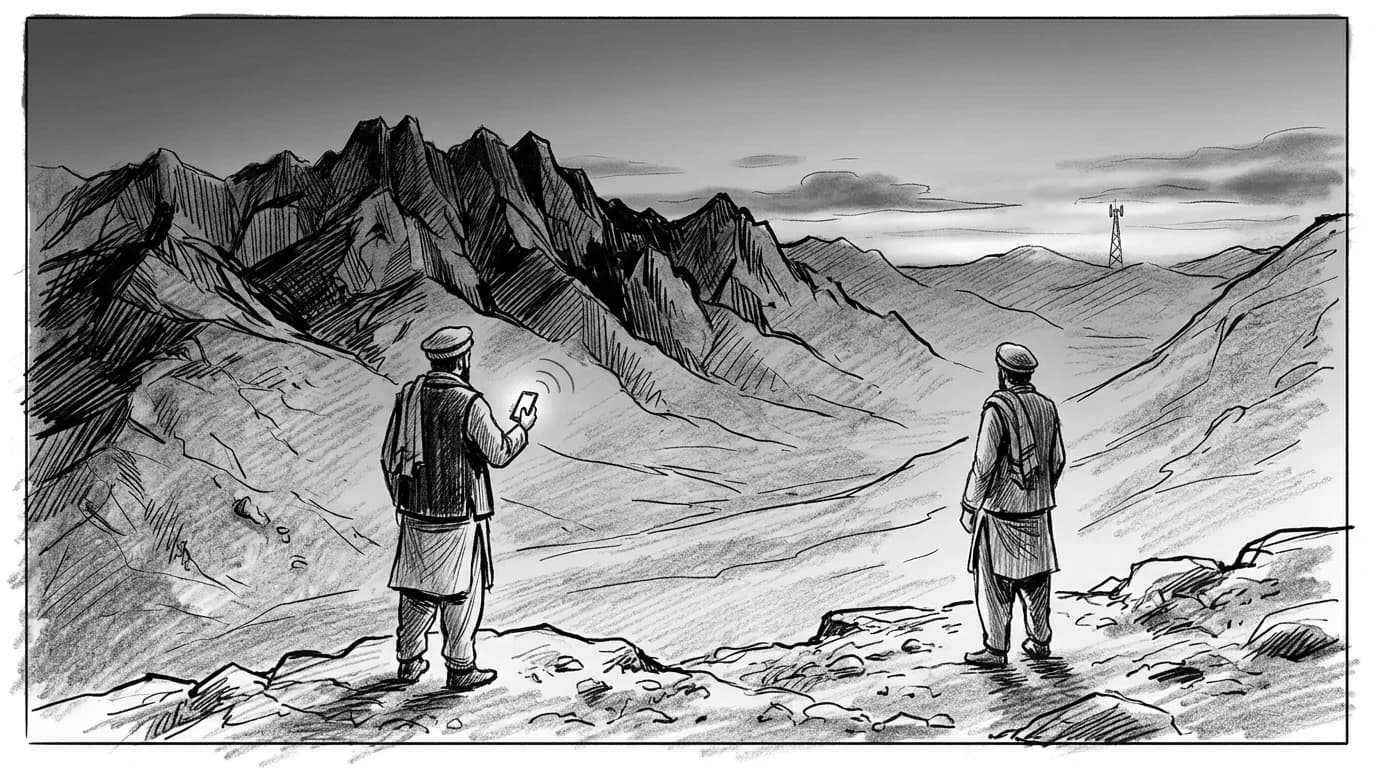
Practical rule: In Afghanistan, roam on Roshan or MTN Afghanistan where possible — both have broader 4G footprints outside Kabul than AFTEL. If your eSIM plan lets you select a preferred network manually, set it before you reach the provinces, not after signal drops.
How eSIM coverage compares to buying a local SIM on arrival
Buying a local Afghan SIM in Kabul means presenting your passport, completing a registration form in Dari or Pashto, and waiting at a Roshan or MTN outlet that may or may not be open when you land. For a journalist on a 72-hour assignment or an NGO worker who needs a working number before the first security briefing, that queue is a real operational problem.
An eSIM removes the in-person step entirely. You install the profile before departure, the data plan activates on landing, and you clear customs with a connected phone rather than a useless one. The coverage ceiling is identical — both a local SIM and a roaming eSIM ultimately depend on Roshan, AWCC, or MTN's physical towers — so you're not trading signal quality for convenience.
The cost math is less clear-cut than in most countries. Local Afghan SIM data is cheap when you can buy it. The tradeoff is friction, registration requirements under Taliban-era telecom rules, and the risk of a language barrier at the point of purchase. For short-stay travelers and anyone operating under time pressure, those variables justify the eSIM premium. For a multi-month assignment, a local SIM makes more economic sense once you're settled. The eSIM vs physical SIM breakdown covers the full cost comparison across both scenarios.
Before flying into Kabul
- Confirm your device is carrier-unlocked
- Download the eSIM profile on home Wi-Fi
- Screenshot your QR code as a backup
- Keep your home SIM installed for dual-SIM fallback
- Toggle the eSIM on before disembarking at Hamid Karzai
Activating your eSIM before you land at Hamid Karzai International
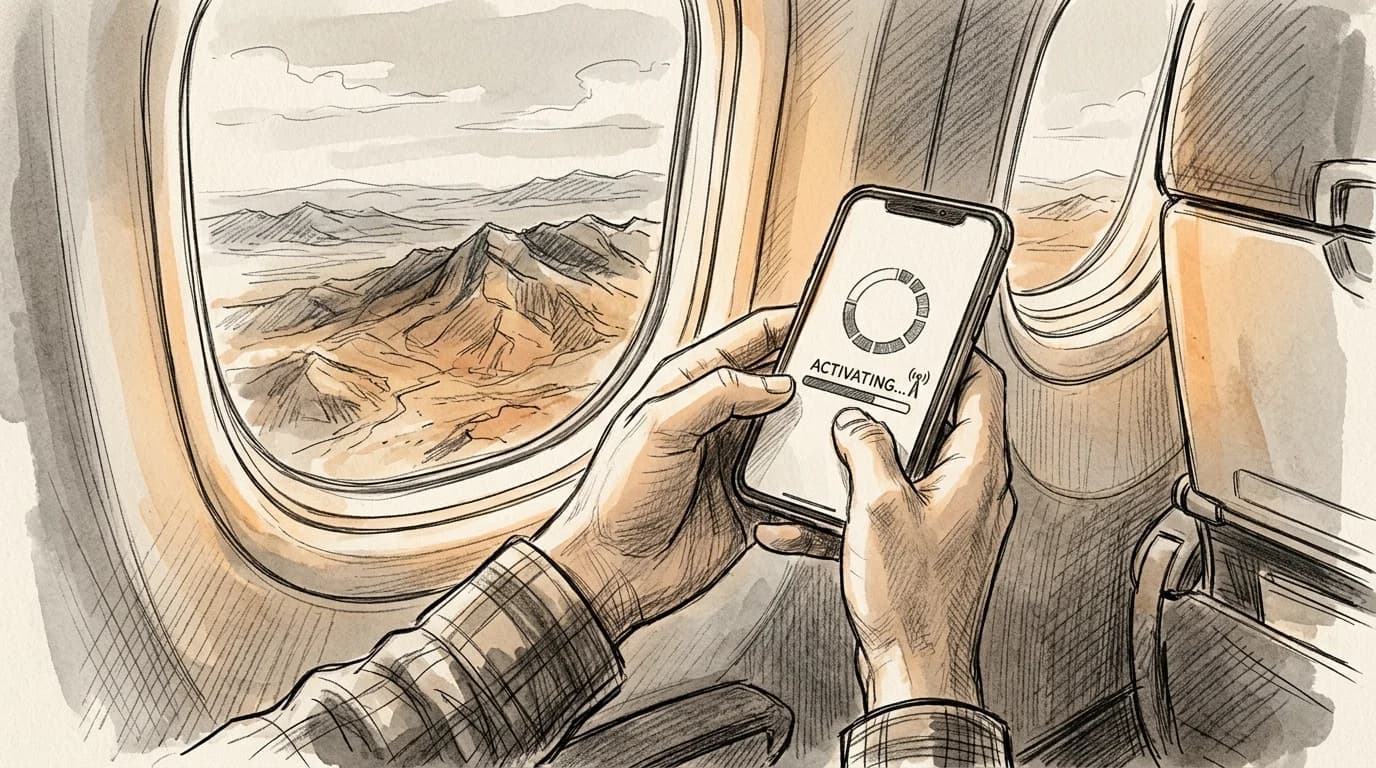
Install the eSIM profile at home — not at the gate, not in the taxi from Kabul city center. The QR scan takes under two minutes on a stable Wi-Fi connection, and you want that done before you're staring at a dead signal on the arrivals concourse at Hamid Karzai International.
On iPhone, go to Settings > Cellular > Add eSIM, scan your QR code, and label the plan "Afghanistan Data" so it doesn't blur into your primary line. Android users follow the same path under Network & Internet > SIMs. Once installed, set the eSIM as your data line and keep your physical SIM active for calls — dual-SIM mode lets both coexist. Confirm the APN populates automatically; if it stays blank, the setup guide for manual APN configuration walks you through the carrier string entry in under three steps.
Practical rule: Activate the eSIM and toggle data roaming on before you board your outbound flight. Trying to troubleshoot APN settings through Kabul's airport Wi-Fi — when it works — costs time you won't have.
eSIM vs local SIM in Afghanistan
| Factor | Roamfly eSIM | Local Afghan SIM |
|---|---|---|
| Setup location | Home, before departure | In-country kiosk or street vendor |
| Network access | Roaming partner dependent | Afghan Wireless or Roshan direct |
| Keeps your number | (dual-SIM) | |
| Coverage in rural areas | Limited to partner towers | Marginally wider on local bands |
| Top-ups | In-app, no language barrier | Cash, Dari or Pashto required |
Practical rule: Install and activate your eSIM profile at home, not at Hamid Karzai International. Airport Wi-Fi in Kabul is unreliable, and downloading a carrier profile over a congested terminal network adds 10–20 minutes to a process that should take under five.
Get connected before you leave
Afghanistan has no margin for a slow start. You clear Hamid Karzai's arrivals hall with your phone already connected — not hunting for a SIM vendor who may or may not be at their counter.
Roamfly's Afghanistan eSIM installs as a QR scan, no physical card, no postal wait. Activation typically completes in under five minutes from purchase to live data. Buy it the night before departure, scan the QR, and leave the profile dormant until you land — your home plan keeps working until the moment you switch.
The package facts here are straightforward: lock in your data allowance before you board, confirm the APN string is set correctly, and you arrive with one fewer variable to manage in an environment where variables carry real weight.
Ready to get connected? Roamfly's Afghanistan eSIM ships in under 5 minutes.
Ready to get connected? Roamfly's afghanistan eSIM ships in under 5 minutes.
Frequently asked questions
Does an eSIM work in Afghanistan if I'm only there for a few days?
Yes, short stays are exactly where an eSIM earns its cost. Local SIM registration in Afghanistan requires a national ID or passport copy submitted to the retailer — a process that can take 30–60 minutes even in Kabul. An eSIM arrives pre-activated and avoids that friction entirely, which matters when your window is 48–72 hours.
Which cities and provinces have reliable 4G coverage in Afghanistan?
Roshan and MTN Afghanistan carry the most consistent 4G in Kabul, Mazar-i-Sharif, Herat, and Jalalabad. Coverage drops to 2G or disappears across Nuristan, Daykundi, and most of the Wakhan Corridor. Rural Helmand and Zabul have documented network blackouts that no roaming eSIM can work around — the infrastructure simply isn't there.
Can I use my eSIM at Hamid Karzai International Airport before clearing customs?
Yes. The eSIM activates the moment your phone detects a host network signal — typically within a minute of landing and before you reach passport control. Set the eSIM as your default data line and disable airplane mode on approach. This gives you a working connection before you clear the terminal, which is when you need it most.
What should I do if my eSIM shows no signal in a rural area of Afghanistan?
First, toggle airplane mode off and on to force a network rescan. If that fails, manually select a carrier under Settings → Mobile Data → Network Selection — Roshan, AWCC, or MTN may appear even when auto-select returns nothing. In areas with total coverage gaps, a satellite messenger device like a Garmin inReach is the only reliable fallback.
Do I need to register my eSIM with Afghan telecommunications authorities?
Afghan regulations require SIM registration under ATRA (Afghanistan Telecom Regulatory Authority) rules, but international roaming eSIMs operate through a foreign carrier's infrastructure and are not subject to the same point-of-sale registration requirement (ATRA — Afghanistan Telecom Regulatory Authority official site) that applies to locally purchased SIMs. Your home carrier's roaming agreement covers the connection. Verify current entry requirements with your embassy before travel.