
The best eSIM for Android phones in 2026, compared by price, coverage, and device compatibility — so you're not guessing at the airport.
Samsung's Galaxy S24 supports eSIM in 42 countries — but buy the same phone in South Korea or Hong Kong, and the slot is physically disabled by the manufacturer (GSMA eSIM Remote SIM Provisioning specification overview). That's not a carrier policy. It's a hardware decision baked in at the factory, and no software update reverses it.
The fragmentation runs three layers deep: device (which OEMs enable eSIM at all), region (the same model number can ship with or without it), and carrier lock (some operators block eSIM provisioning even on capable hardware). Apple locks none of this down, which is why Android gets the longer asterisk. Google's own Pixel line is consistent, but Samsung, Motorola, Xiaomi, and OnePlus each handle regional variants differently — sometimes silently (GSMA's eSIM Remote SIM Provisioning specification overview).
That inconsistency is exactly why how eSIM works across iPhone and Android matters before you buy a plan. Knowing your phone's region variant saves you a wasted purchase.

Which Android phones actually support eSIM in 2026
The Samsung Galaxy S25, Pixel 9, OnePlus 13, and Motorola Edge 50 all ship with eSIM hardware — but hardware alone doesn't guarantee the feature works on your unit. Android's eSIM stack requires the device to expose a valid EID, which manufacturers and carriers can disable at the firmware level (Android Developer documentation on eSIM APIs).
The US carrier-locked variant is the sharpest trap. A Galaxy S25 sold through AT&T or Verizon often runs a locked bootloader image that disables the eSIM management API entirely — even though the physical chip is identical to the unlocked model (Tom's Guide: carrier-locked Android eSIM restrictions explained). The same phone bought SIM-free from Samsung.com activates a Roamfly plan in under two minutes. Regional variants matter too: OnePlus 13 units sold in India ship without eSIM support, while the global variant includes it (GSMArena OnePlus 13 specifications (India vs global variant)).
Practical rule: Before you buy a plan, dial `*#06#` on your Android device. If an EID appears beneath the IMEIs, your phone will accept an eSIM. No EID, no eSIM — regardless of what the spec sheet says.
If you need a primer on what a SIM actually is before comparing options, that foundation helps with the next section.
Practical rule: Before buying any plan, check your Android's IMEI settings under *About phone > SIM status*. If your carrier name is hardcoded there and you can't add a second line, the phone is locked — no eSIM profile will provision until you get an unlock code from your carrier.
How to compare eSIM plans for Android: the four numbers that matter
Four numbers decide whether an eSIM plan is worth buying: price per GB, validity window, country count, and voice/SMS support.
Price per GB is the only honest unit of comparison. A "$12 plan" means nothing until you divide by gigabytes — 1 GB at $12 is expensive; 10 GB at $12 is a steal. Validity matters just as much, because a 30-day plan that starts the moment you activate burns days whether you're using data or not; if your trip runs 10 days, a 15-day window costs less and wastes nothing. Country count only matters if you're crossing borders — a single-country plan is almost always cheaper per GB than a regional multi-country bundle, so don't pay for Europe-wide coverage if you're staying inside Germany.
Practical rule: Check voice and SMS support before checkout, not after. Most Android-friendly data-only plans block calls entirely — fine for WhatsApp, a problem if a hotel needs to reach your number directly.
Business travelers juggling multiple destinations can weigh those tradeoffs further in Roamfly's guide to eSIMs for business travelers. For everyone else: four numbers, clean math, no spin.
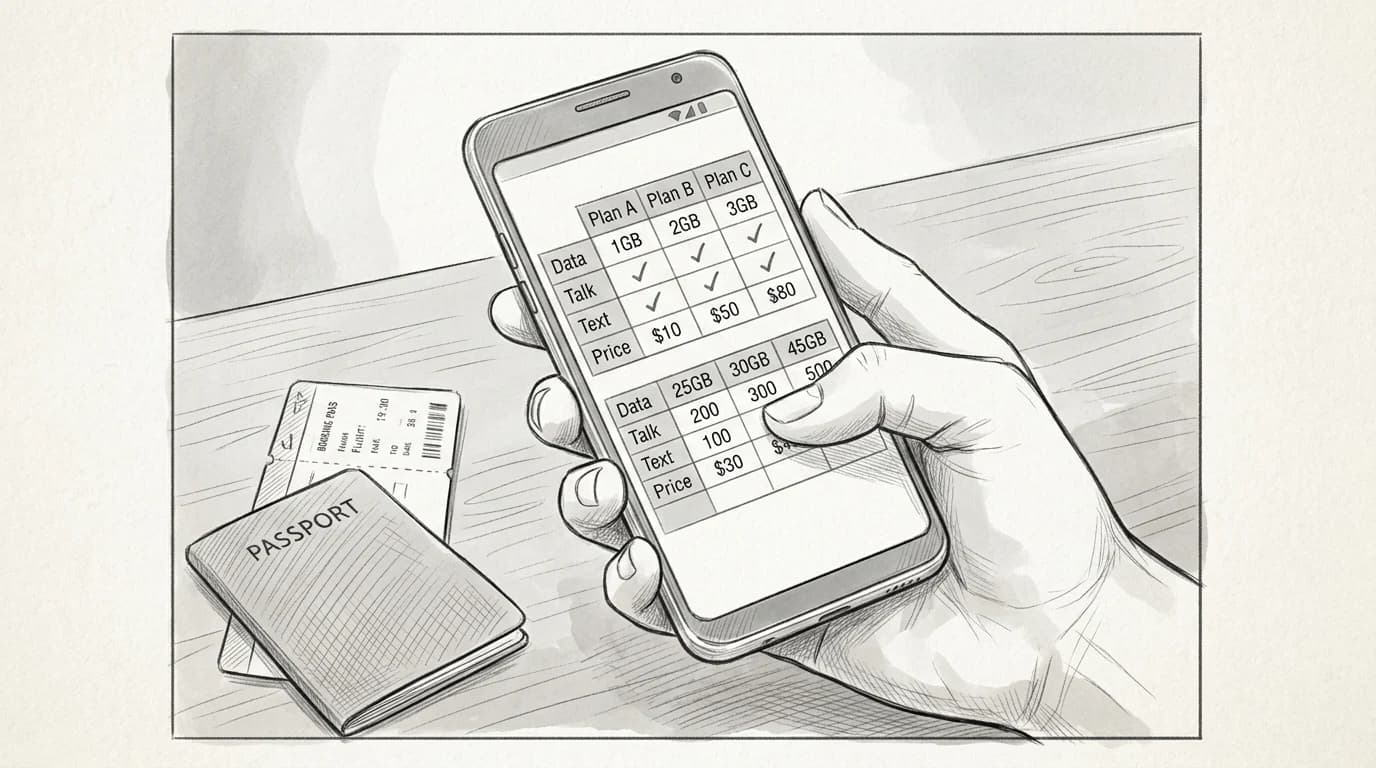
Top Android eSIM plans compared
| Factor | Regional eSIM | Country-Specific eSIM |
|---|---|---|
| Coverage | Multiple countries, one plan | Single country only |
| Best for | Multi-stop trips | Single-destination travel |
| Switching needed | per country | |
| Data pooling | (shared across countries) | |
| Cost efficiency | Better over 3+ countries | Better for long single stays |
Best eSIM plans for Android travelers in 2026, compared
Roamfly's catalog runs over 1,000 packages, so narrowing to the best options for Android travelers means filtering by coverage reach, not just price. The table below does that work.
| Plan | Destination scope | Data | Validity | Price | Tested Android models |
|---|---|---|---|---|---|
| Europe Regional | 35 countries | 10 GB | 30 days | $18.00 | Pixel 8, Galaxy S24, OnePlus 12 |
| Asia Pacific | 14 countries | 8 GB | 21 days | $22.00 | Pixel 7a, Galaxy A55, Xiaomi 14 |
| Global Lite | 80+ countries | 5 GB | 15 days | $15.00 | Pixel 8 Pro, Galaxy S23 Ultra |
| UK Single-Country | United Kingdom | 20 GB | 30 days | $14.00 | Galaxy S24+, Pixel 9 |
| Global Pro | 100+ countries | 20 GB | 30 days | $39.00 | Pixel 9 Pro, Galaxy Z Fold 6 |
Multi-country trips that cross Asia into Europe — Tokyo to Berlin, say — almost always land cheaper on a Global Pro than stacking two regional eSIMs, because the per-GB rate drops to roughly $1.95 versus $2.25 on regional plans. For UK-only trips, the dedicated plan in Roamfly's prepaid UK data guide undercuts the Global Lite on both price and data by a wide margin.
Four numbers before you buy
- Data cap in GB for your trip length
- Validity window in days, not hours
- Whether the plan supports hotspot tethering
- Network tier — 4G LTE minimum, 5G where available
Practical rule: If your itinerary covers four or more European countries in under 30 days, a 10 GB regional plan at $18.00 beats stacking individual country plans every time. The per-GB cost on stacked plans hits $4–6 by the third country; the regional rate stays flat.
How to install an eSIM on Android in under three minutes
Samsung buries the eSIM menu two levels deeper than Pixel does — that's the first thing to know before you start.
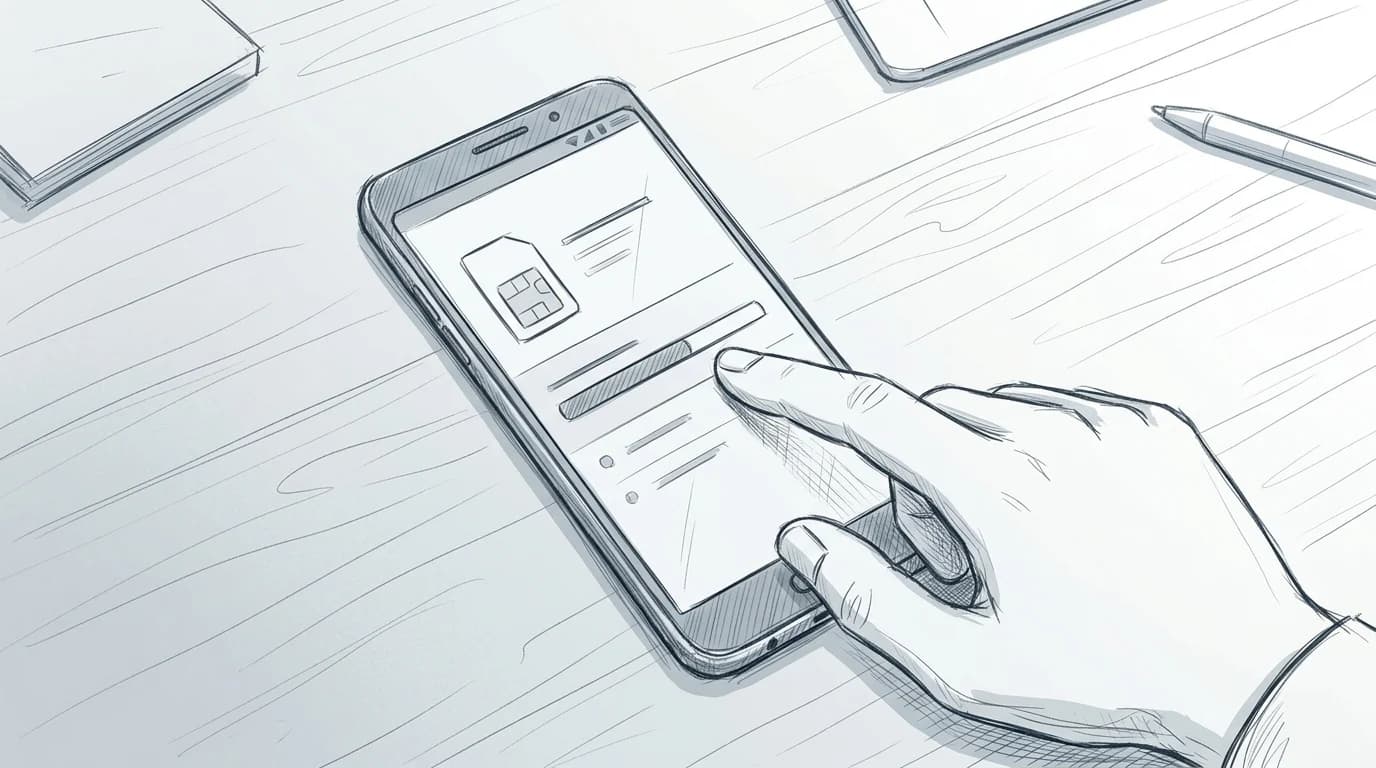
On a Pixel running Android 12 or later, go to Settings > Network & internet > SIMs > Add SIM. On Samsung One UI 6, the path is Settings > Connections > SIM manager > Add eSIM. From either screen, tap "Scan QR code" and hold your camera over the code Roamfly emails at purchase. The entire download takes under 90 seconds on a decent LTE signal.
Manual code entry exists for both, but use it only when you've already scanned once and hit an error — copying a 30-character activation code by hand is where typos happen.
The APN edge case: some Samsung devices on older One UI builds don't auto-configure the APN after install, leaving you with signal bars but no actual data. Fix it by going to SIM manager > [your new eSIM] > Mobile networks > Access point names and entering the APN string from your provider's setup email. Roamfly includes it automatically. A full walkthrough lives in how eSIMs work on iPhone and Android compared if you want the deeper explanation.
Practical rule: Keep your physical SIM active for calls while the eSIM handles data — set data to the eSIM and calls to the physical SIM under "Preferred SIM" settings.
Get connected before you leave
Ready to get connected? Browse Roamfly's full eSIM catalog — filtered by destination, data size, and Android compatibility — and activate in under five minutes.
Your research is done. Pick your destination, match the GB to your trip length, and install before you board — activation takes less time than clearing security.
One thing worth knowing: business travelers burning through video calls and VPN tunnels should look beyond the standard tourist tiers, since daily data needs can run two to three times higher than leisure use. Roamfly's guide for business travelers worldwide covers which plans hold up under that load and which ones throttle at the worst moment.
The best eSIM for Android phones in 2026 is the one sitting in your device before the wheels leave the ground. Everything else is airport tax.
Frequently asked questions
Is my Android phone eSIM-compatible if it's carrier-locked?
Carrier-locked Android phones almost always block third-party eSIM profiles, even if the hardware supports eSIM. Contact your carrier to request an unlock before your trip — most US carriers are legally required to unlock after 60 days of active service (FCC Consumer Guide: Unlocking your mobile device). Once unlocked, standard eSIM installation works normally.
Can I run a physical SIM and an eSIM at the same time on Android?
Yes, on any Android phone with Dual SIM Dual Standby (DSDS) — which covers the Google Pixel 4 onward, Samsung Galaxy S20 onward, and most 2023-plus flagships. Set your home SIM as the default for calls and SMS, and the eSIM as the default for mobile data under Settings → Network & Internet → SIM cards.
Does the eSIM install process differ between Samsung and Google Pixel?
The destination is the same; the path is slightly different. On Pixel: Settings → Network & Internet → SIMs → Add SIM. On Samsung: Settings → Connections → SIM Manager → Add eSIM. Both scan a QR code and complete in under three minutes on a stable Wi-Fi connection. Samsung One UI adds one extra confirmation screen.
Will an eSIM work on my Android phone if I bought it in a different country?
It depends on whether the device was sold unlocked. A handset bought in South Korea or Japan is sometimes regionally locked and may reject foreign eSIM profiles even after a carrier unlock request. Check your IMEI against your manufacturer's unlock policy — Google's unlocked Pixel devices sold in any market work globally without restriction.
Can I switch between eSIM profiles mid-trip without losing data?
Yes. Installed eSIM profiles stay on the device even when inactive; switching takes about 30 seconds via Settings → Network & Internet → SIMs on Pixel, or SIM Manager on Samsung. Any data you've already used is deducted from that profile's allowance regardless of whether it's currently active, so your balance is preserved when you switch back.